Category · 23 products

Gaming Mice

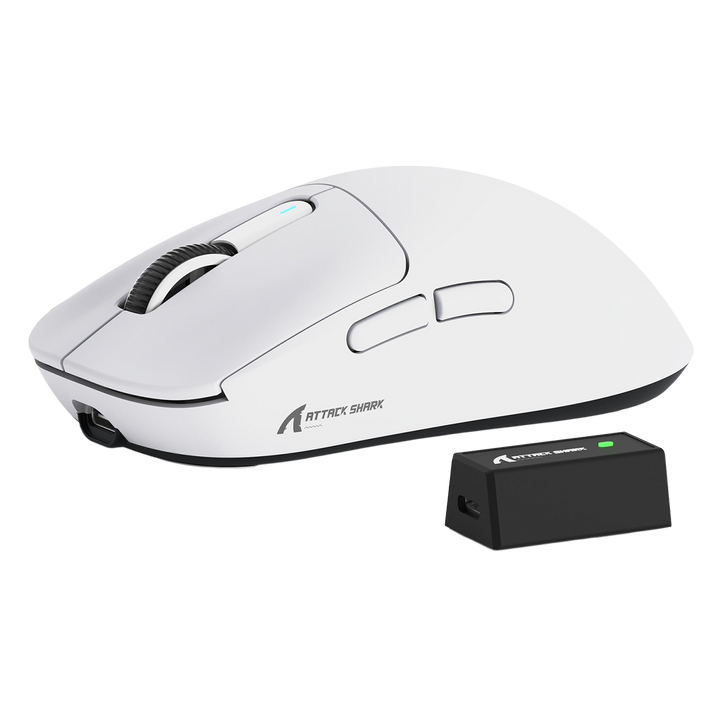
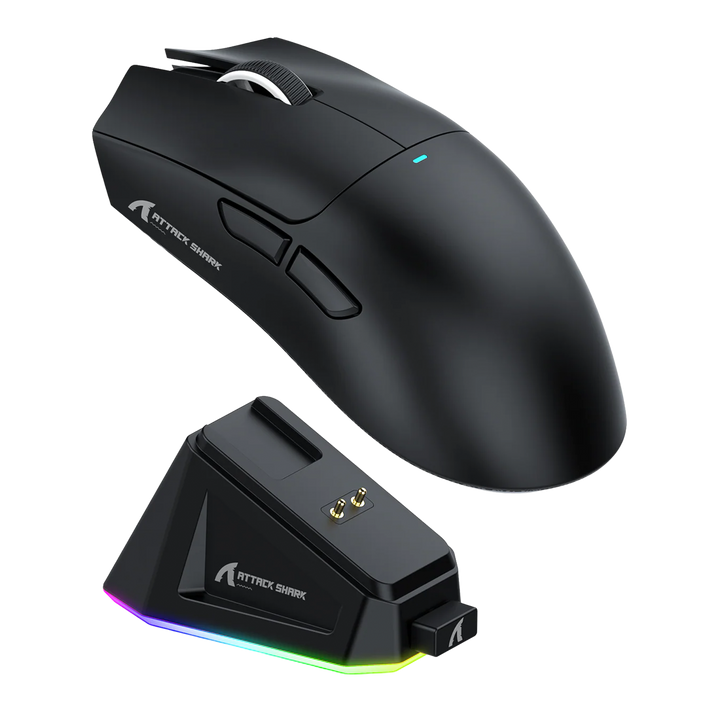
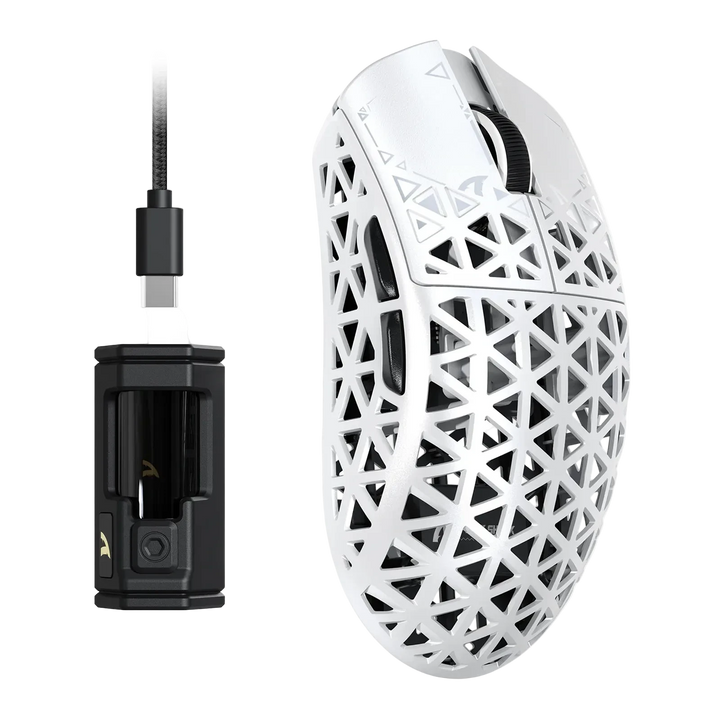
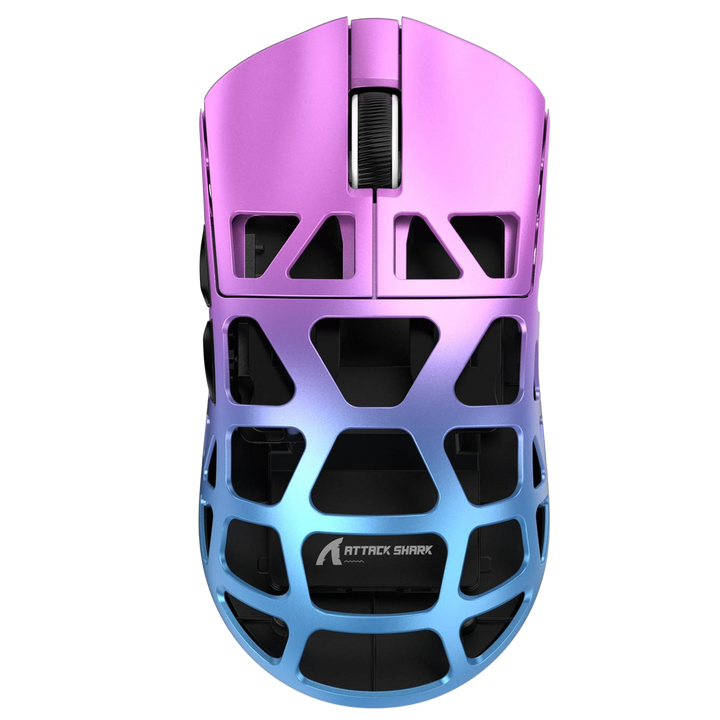
Mice built for competitive play - high-DPI sensors, fast polling rates and lightweight shells for quick, precise aim.

Buying guide

Grip style decides the shape, not the other way round

There are three ways people hold a mouse and each one wants a different shell. A palm grip rests the whole hand along the mouse, so it needs a filled-out back that supports the base of your palm and a longer body. A claw grip arches the fingers and puts the weight on the fingertips and the heel of the hand, which suits a shorter mouse with a pronounced hump towards the rear. A fingertip grip lifts the palm clear entirely and steers with the fingers alone, so it wants a small, flat, light shell with very little hump. Work out which of the three you already use before you look at a single specification, because a mouse that fights your grip will never feel accurate however good its sensor is.

Symmetrical or ergonomic, and where the weight sits

A symmetrical shell is the same on both flanks and suits claw and fingertip grips as well as anyone who moves their hand around on the mouse during play. An ergonomic shell is sculpted for the right hand, with a thumb rest and a raised right flank, and it is more comfortable over hours but less forgiving if your grip shifts. Balance matters as much as total mass: a mouse with its battery and board set forward feels like it wants to keep going when you stop, while one balanced under the palm feels planted and easier to halt on target. That is why two mice of the same quoted weight can feel completely different, and why handling one tells you more than a number can.

Spin-out, and why it happens at low sensitivity

Spin-out is the moment a fast flick outruns the sensor, the reading breaks down, and the cursor whips away in the wrong direction. It has nothing to do with peak sensitivity figures and everything to do with how quickly you are moving the mouse across the surface. Players on low sensitivity are the ones who see it, because hitting the same angle with a lower setting means a much larger and faster physical movement. If you play at a low setting with big arm movements, the sensor's maximum tracking speed is the number on the box worth reading, and a large surface that lets you complete the movement without running out of pad is worth as much as the mouse.

Debounce, side buttons and the things you notice on day three

Debounce time is the brief window after a click during which the mouse ignores further input, and it exists to stop a worn switch from registering one press twice. Set it too high and rapid firing feels blunted; too low on a tired switch and you get accidental double clicks. Side buttons matter more than people expect - if they sit too far forward you have to stretch to reach them mid-aim, and if they are too close together you will hit the wrong one under pressure. Press them while holding the mouse the way you actually play, not the way it looks natural on a shelf. The same goes for the scroll wheel, where the tension between steps decides whether wheel-bound abilities are reliable.

The fastest modes only pay off with the right monitor

The very high report rates advertised on the newer mice here send data to the PC several times more often than the standard setting, and that extra data has to land somewhere useful to be worth anything. On a 144Hz display the screen simply cannot show the difference, and the cost is real: more CPU load and, on a wireless mouse, a sharply shorter battery. On a 240Hz or faster display, with a machine that has headroom to spare, the smoother cursor motion is measurable and some players do prefer it. Match the mode to the display rather than turning everything up because the software allows it.

Buying a gaming mouse in Egypt

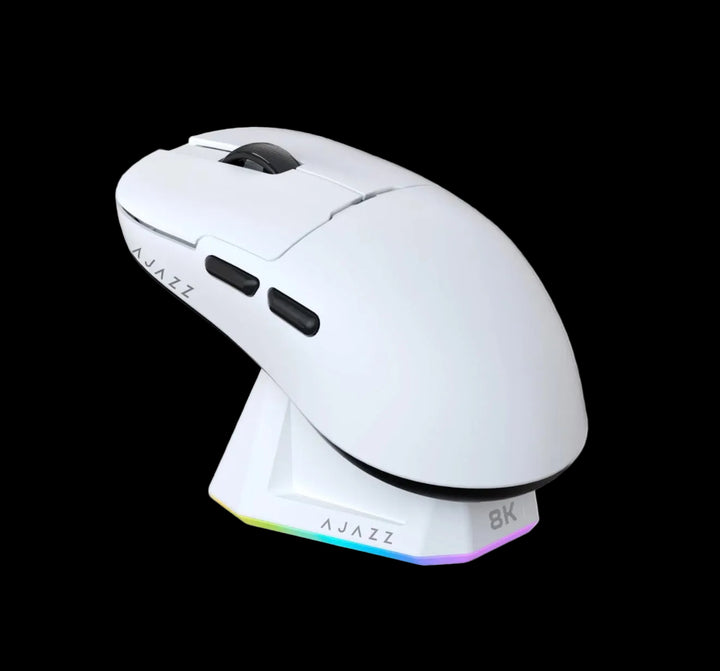
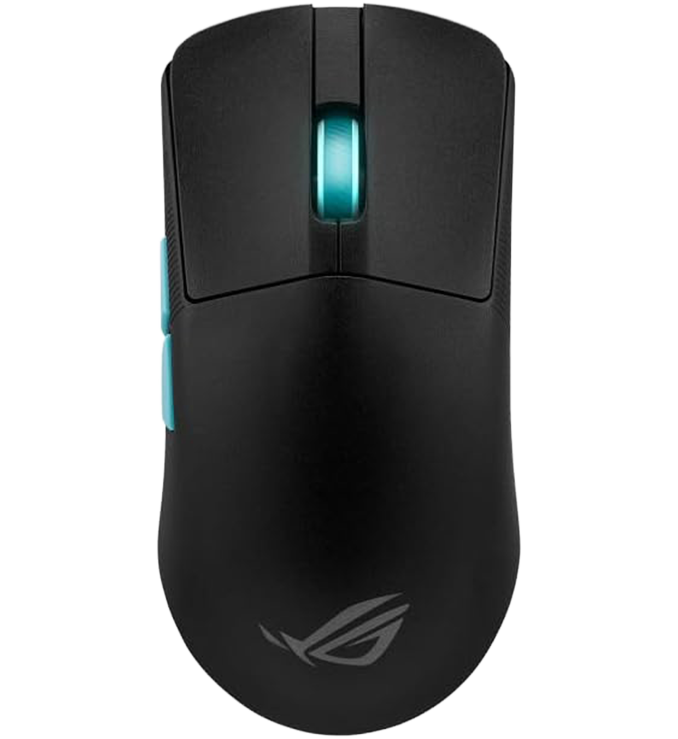
This collection currently lists 22 models filtered automatically from the wider range, covering Attack Shark, Ajazz, ATK, AULA, Razer, Rappoo and Asus ROG. Because it is rule-based, a new arrival with the gaming tag appears here on its own. Every unit is genuine, carries 14-day cover against product defects and is payable cash on delivery in Egyptian pounds. Ships in 48h - weekends may vary. The full range including the models that fall outside this filter sits on the Mouses page.

Key terms, explained
Palm grip
The whole hand rests along the mouse and movement comes mainly from the wrist and arm. It is the most stable and the least tiring grip, and it needs a longer shell with a filled-out rear so the base of the palm is supported.
Claw grip
The fingers arch up and the hand contacts the mouse at the fingertips and the heel of the palm. It gives quick, snappy adjustments and suits a shorter mouse with a hump set towards the back.
Fingertip grip
The palm is lifted clear and the fingers alone steer the mouse. It is the most precise grip for small corrections and the most demanding on the shell, which needs to be small, flat and light.
Symmetrical shell
A body with matching flanks, usually with side buttons only on the left. It tolerates a grip that shifts during play and is the safe choice if you have never measured your hand against a shape before.
Ergonomic shell
A body sculpted for the right hand, with a thumb rest and a raised right flank. More comfortable over a long session, less forgiving if your grip moves, and rarely available in a left-handed version.
Weight balance
Where the mass sits along the length of the mouse rather than how much of it there is. A forward bias feels like momentum you have to fight when stopping; mass centred under the palm feels planted and stops more easily.
Spin-out
The cursor flying off in the wrong direction when a flick moves the mouse faster than the sensor can read. It is a tracking-speed limit, not a sensitivity one, and low-sensitivity players are the ones who hit it.
Debounce time
The short blind window after a click, used to stop one physical press registering twice. Lower feels more responsive on healthy switches; higher masks a worn switch at the cost of rapid clicking.
Scroll step tension
How firmly the wheel snaps between notches. A light wheel scrolls documents pleasantly but makes wheel-bound abilities unreliable; a firm, clearly defined step is what you want if the wheel is part of how you play.
Hand length
The measurement from the wrist crease to the tip of the middle finger, and the only number that reliably predicts whether a shell will fit. Pair it with your grip style: the same hand wants a different mouse in a claw grip than in a palm grip.
FAQ
How do I know whether I use a palm, claw or fingertip grip?

Pick up the mouse you own now and look at your hand. If the palm rests flat on the shell it is a palm grip, if the fingers are arched and only the fingertips and the heel of your hand touch it is a claw, and if the palm is completely off the mouse it is fingertip. Match the next mouse to that rather than trying to change how you hold one.

Should I buy a symmetrical or an ergonomic shape?

Ergonomic if you use a settled palm grip and play for hours, because the sculpted flank and thumb rest carry the weight of your hand. Symmetrical if you claw or fingertip, or if your grip moves around during play, since it behaves the same wherever your hand lands. Left-handed players should assume symmetrical, as ergonomic shells are almost always right-handed.

Why does my cursor sometimes fly off during a fast flick?

That is spin-out, and it means the mouse moved across the surface faster than the sensor could read it. It is most common on low sensitivity settings, where matching an angle needs a much larger physical movement. A sensor with a higher maximum tracking speed and a pad large enough to finish the flick both help.

What should I set debounce time to?

As low as your switches stay reliable at. A low value makes rapid clicking feel sharper, and the moment you start seeing a single press register twice you have gone under what the switch can support and should raise it a step. On a new mouse the default is usually already conservative.

Do the very high report rates make me a better player?

Only if your monitor and CPU can use them. Below roughly 240Hz the display cannot show the difference, while the cost - higher CPU load and much shorter wireless battery - is immediate and real. Players on a fast display and a machine with headroom do report smoother tracking, so treat it as a pairing rather than a straight upgrade.

Are side buttons in the right place on most gaming mice?

It varies more than any specification sheet admits, and it is worth checking against your own thumb. Buttons set too far forward force you to stretch mid-aim, and buttons set too close together get confused under pressure. Hold the mouse the way you play and press them before you commit.

Does a heavier mouse help with control?

It helps some people and hinders others, and balance matters more than mass. A slightly heavier mouse with the weight centred under the palm often feels steadier than a very light one with a forward bias, which is why two mice of the same quoted weight can feel unrelated in the hand.

Is a gaming mouse worth it if I do not play competitively?

Usually yes, but for different reasons - better switches, a far better sensor, real software and a shell designed around a hand rather than a price. What you can safely skip is the fastest report mode and the very lightest carbon shells, both of which exist to serve competitive play.

Can I use a gaming mouse for work as well?

Comfortably, and many people do. The things worth thinking about are click noise in a shared room and whether the shape stays pleasant for eight hours rather than two. If work is the main use, the Productivity Mice page covers what changes for long days at a desk.

How do I order, and what does it cost to have one delivered in Egypt?

Everything in this collection is payable cash on delivery in Egyptian pounds, anywhere in Egypt. Ships in 48h - weekends may vary. Each unit is genuine, carries 14-day cover against product defects and is checked before it goes out, with support available in Arabic and English.