
Category
· 22 products
Wireless Mice
Cut the cord without cutting performance. These mice run 2.4GHz wireless, Bluetooth or tri-mode connectivity for a clean, tangle-free setup.
-

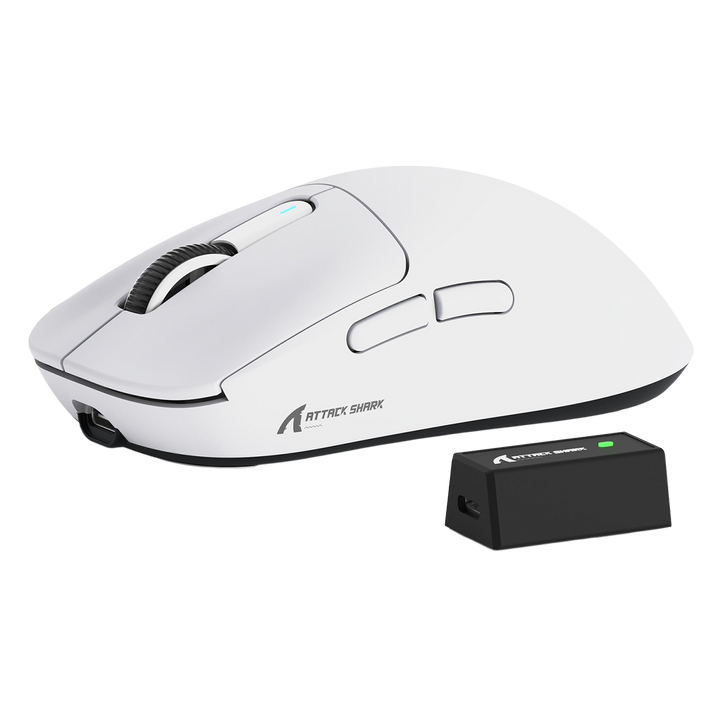 Sale
SaleAttack shark x3 pro
Vendor: Attack SharkRegular price LE 2,800.00 EGPRegular priceUnit price perLE 3,200.00 EGPSale price LE 2,800.00 EGPSale -

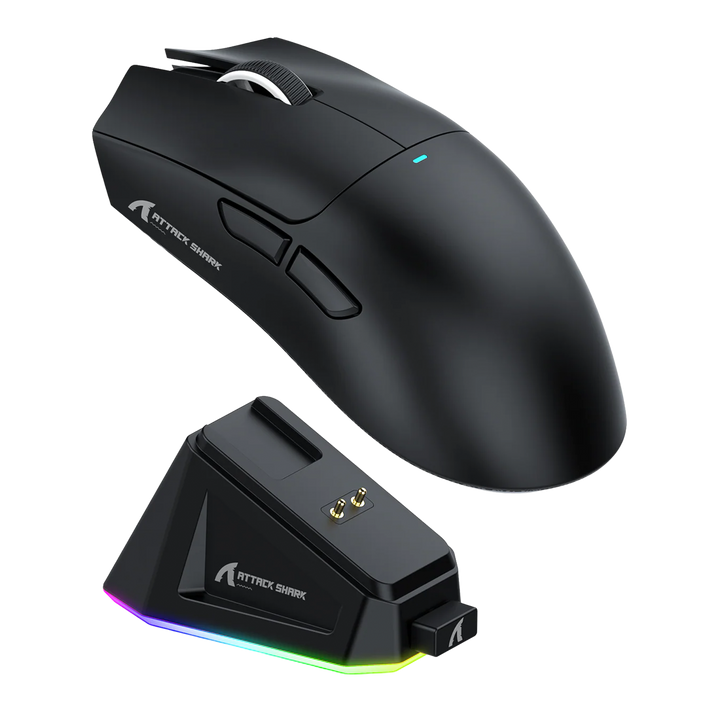
Attack shark X11
Vendor: Attack SharkRegular price LE 1,900.00 EGPRegular priceUnit price per -

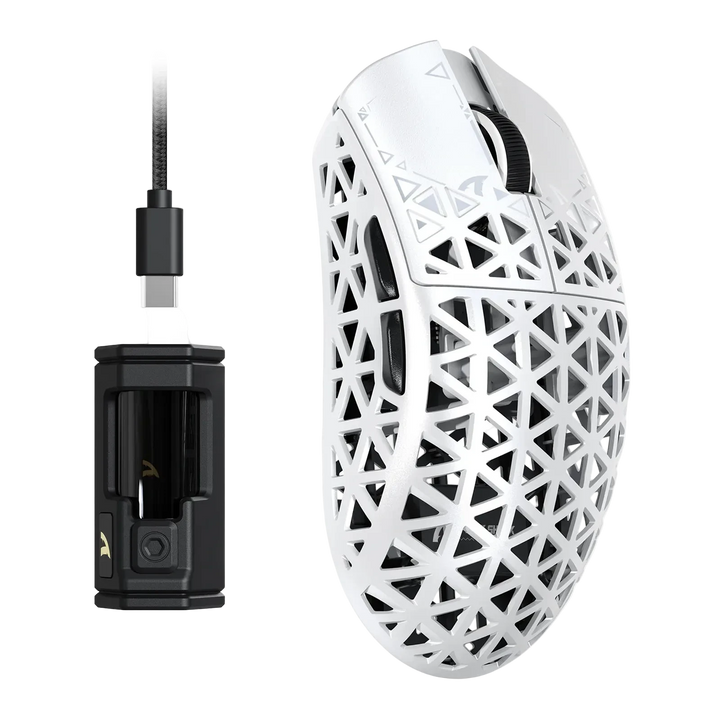
Attack Shark R5 Ultra Carbon Fiber
Vendor: Attack SharkRegular price From LE 3,800.00 EGPRegular priceUnit price per -

ATTACK SHARK R11 ULTRA Carbon Fiber
Vendor: Attack SharkRegular price LE 4,800.00 EGPRegular priceUnit price per -

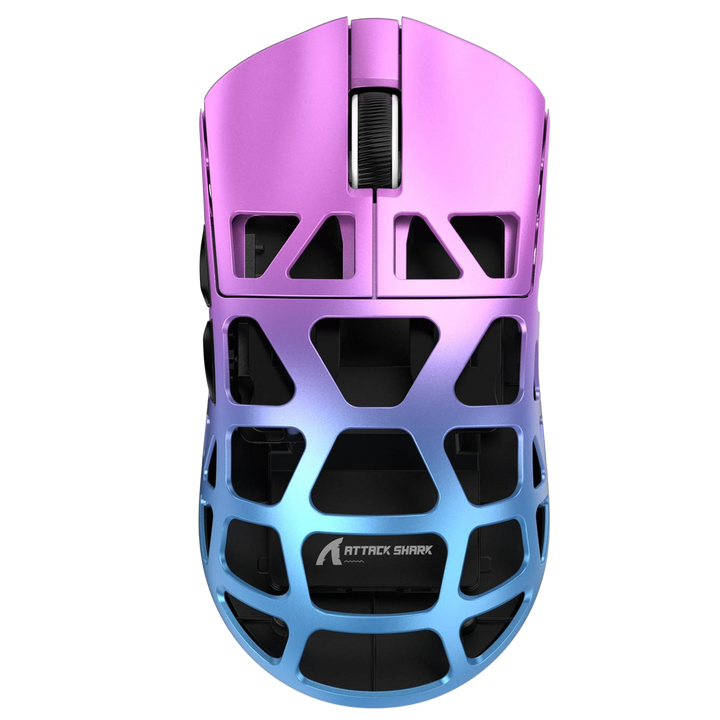 Sold out
Attack shark R3
Sold outVendor: Attack SharkRegular price LE 3,500.00 EGPRegular priceUnit price per -

Attack Shark XR mouse
Vendor: Attack SharkRegular price LE 1,800.00 EGPRegular priceUnit price per -

Attack shark x3
Vendor: Attack SharkRegular price LE 2,450.00 EGPRegular priceUnit price per -

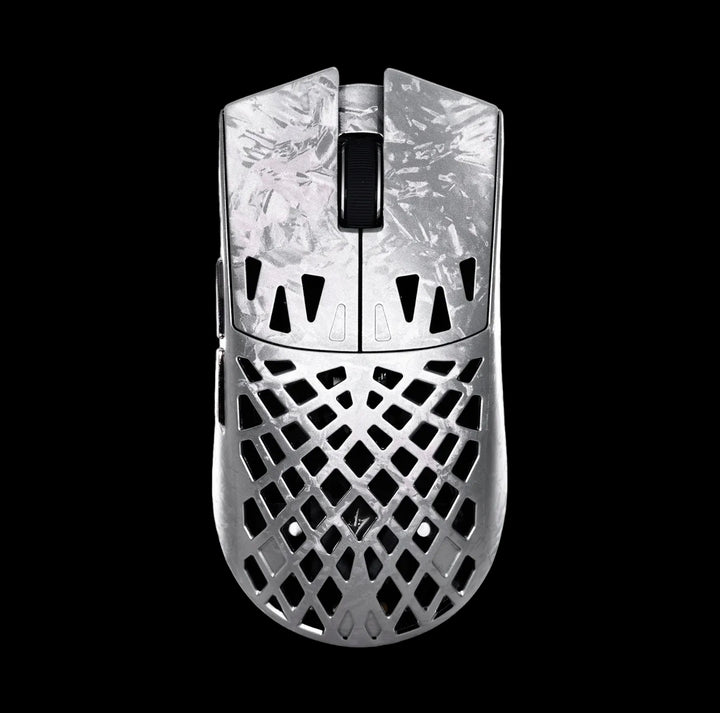 Sold out
ATK Blazing Sky GHOST Carbon Fiber
Sold outVendor: ATKRegular price LE 6,000.00 EGPRegular priceUnit price per -

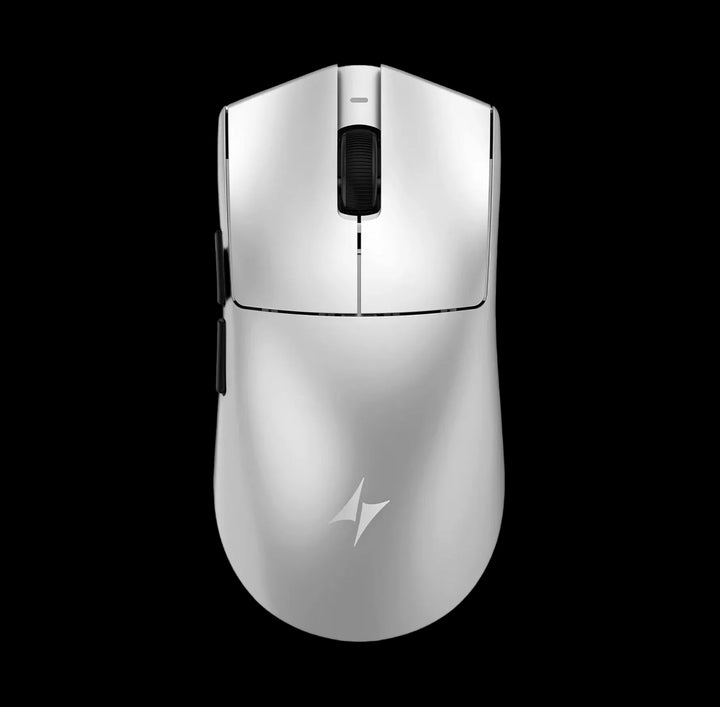 Sold out
ATK Blazing Sky X1 V2
Sold outVendor: ATKRegular price LE 5,500.00 EGPRegular priceUnit price per -

Attack Shark R6 ultra ice feel coating
Vendor: Attack SharkRegular price LE 4,200.00 EGPRegular priceUnit price per -

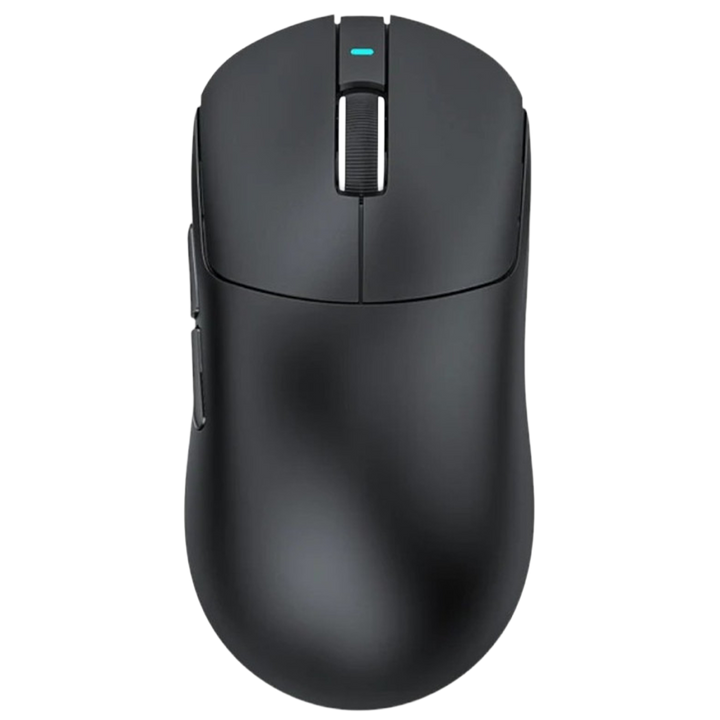 Sold out
ATTACK SHARK X3 Max C06 PLUS WIRELESS GAMING MOUSE
Sold outVendor: Attack SharkRegular price LE 2,500.00 EGPRegular priceUnit price per -

Attack Shark Ultra Light
Vendor: Attack SharkRegular price LE 2,450.00 EGPRegular priceUnit price per -

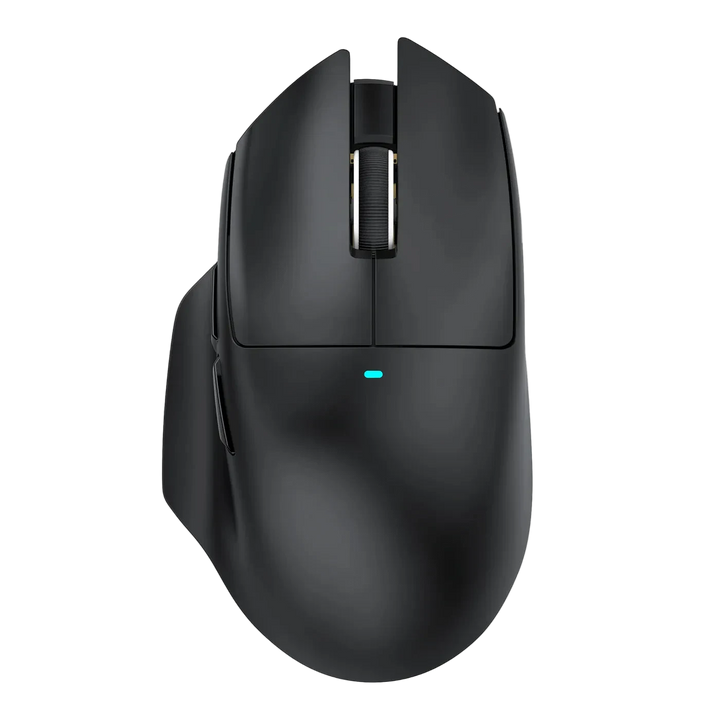
Attack Shark V6
Vendor: Attack SharkRegular price LE 2,600.00 EGPRegular priceUnit price per -

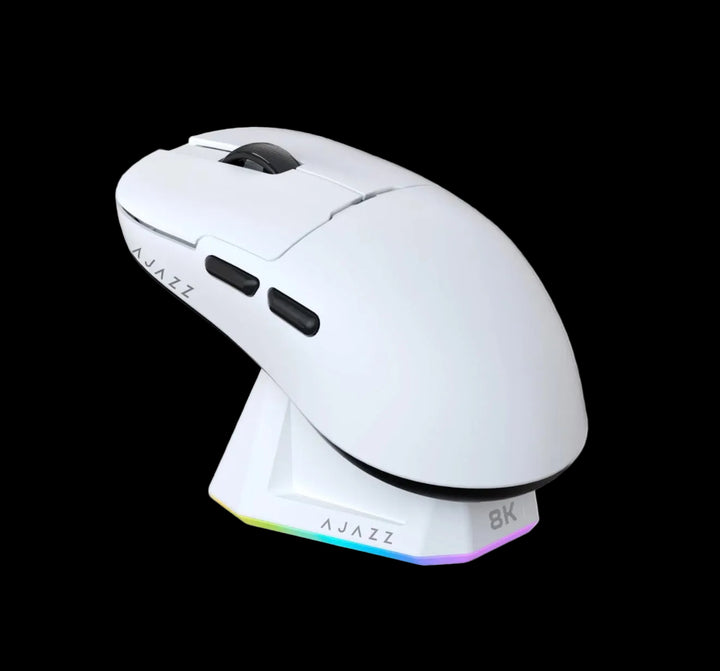
Ajazz v2 pro
Vendor: AjazzRegular price From LE 2,800.00 EGPRegular priceUnit price per -

 Sold out
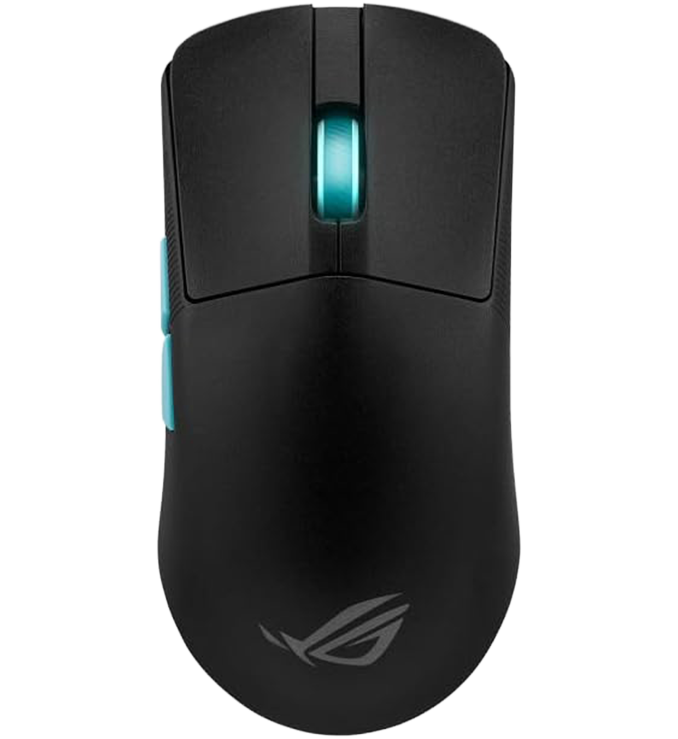
Asus ROG Harpe Ace Aim Lab Edition
Sold outVendor: Asus ROGRegular price LE 4,500.00 EGPRegular priceUnit price perLE 5,600.00 EGPSale price LE 4,500.00 EGPSold out


Buying guide
Which one is right for you
MousesThe full mouse range - wired and wireless together, 37 models.
Gaming MiceShape, grip and switch feel for aim, filtered to the gaming models.
Premium MiceThe flagship end - lighter shells, tuned firmware, faster radios.
Budget MiceWireless without the premium price, and the sensors are genuinely good.
Mouse padsA consistent surface matters more to your aim than the last 10g of weight.
Wireless KeyboardsClear the second cable off the desk as well.
Key terms, explained
- 2.4GHz dongle
- The small USB receiver that gives the mouse its own private radio link rather than sharing the Bluetooth stack. It is the mode you play on, and it is the only one that behaves predictably under load. Lose it and most mice need a replacement receiver rather than a generic one.
- Bluetooth LE
- The low-energy Bluetooth mode used as the second wireless option on most mice here. It sips power and pairs with anything, but it groups its reports together to do so, which makes its input delay both higher and more variable than the dongle. Fine for a laptop, wrong for a match.
- Dongle extender
- A short USB extension cable or cradle that moves the receiver off the back of the case and onto the desk. It is the single most effective fix for stutter and dropouts, because it removes the metal and the distance between the radio and the mouse.
- mAh
- Milliamp hours, the size of the mouse's internal cell. On its own it tells you very little, because a large cell driven at the fastest report rate can easily last less time than a small cell on the standard setting. Read it alongside the mode you actually intend to use.
- Sleep timer
- How long the mouse stays fully awake after you stop moving it before dropping the radio into a power-saving state. A short timer saves battery and produces the small hesitation on first movement; a long timer removes the hesitation and costs runtime.
- Motion Sync
- A firmware option that aligns the sensor's readings with the moment the mouse sends its report, so the cursor path is smoother and more consistent. It adds a very small, fixed delay in exchange for that consistency. Some players prefer it on for tracking, others off for raw flicks - try both.
- Passthrough charging
- Being able to plug the mouse in and keep playing while it charges, rather than having to stop. Every wireless mouse here supports it, which is why a flat battery mid-session is recoverable.
- Band congestion
- Other devices crowding the same 2.4GHz space - wireless keyboards, phone chargers, USB 3 ports, wireless chargers and neighbouring routers. It shows up as brief cursor stutter rather than a total dropout, and moving the dongle usually clears it.
- Paracord cable
- A light, fabric-sleeved USB-C cable with very little memory, so it does not fight the mouse. It is the cable worth keeping on the desk for charge-and-play sessions, because the stiff cable supplied in the box was designed for charging alone.
FAQ