
Category
· 23 products
Mouses
Lightweight gaming and everyday mice - high-accuracy optical sensors, fast polling and low-latency wired or wireless connections. Shapes and weights to suit claw, palm and fingertip grips, from budget picks to flagship competitive mice.
Shop by category
-

 Sale
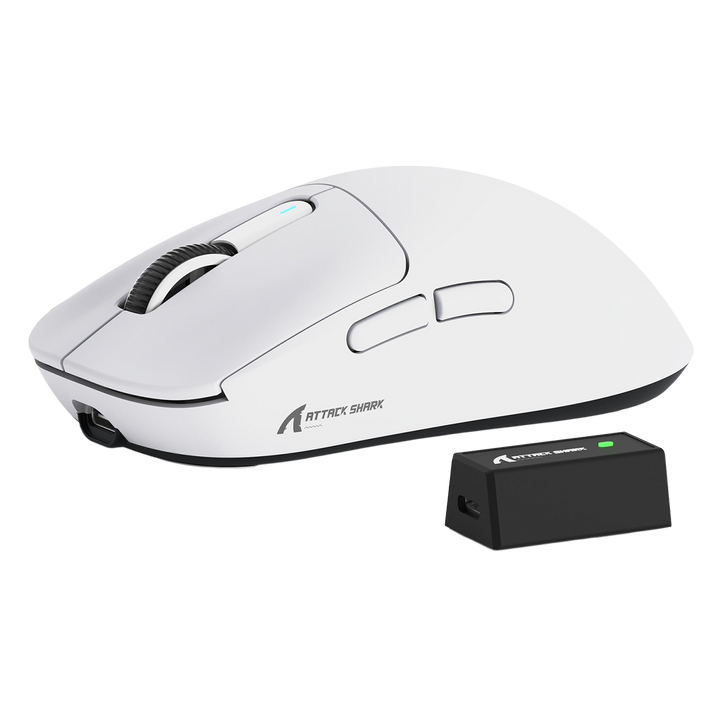
SaleAttack shark x3 pro
Vendor: Attack SharkRegular price LE 2,800.00 EGPRegular priceUnit price perLE 3,200.00 EGPSale price LE 2,800.00 EGPSale -

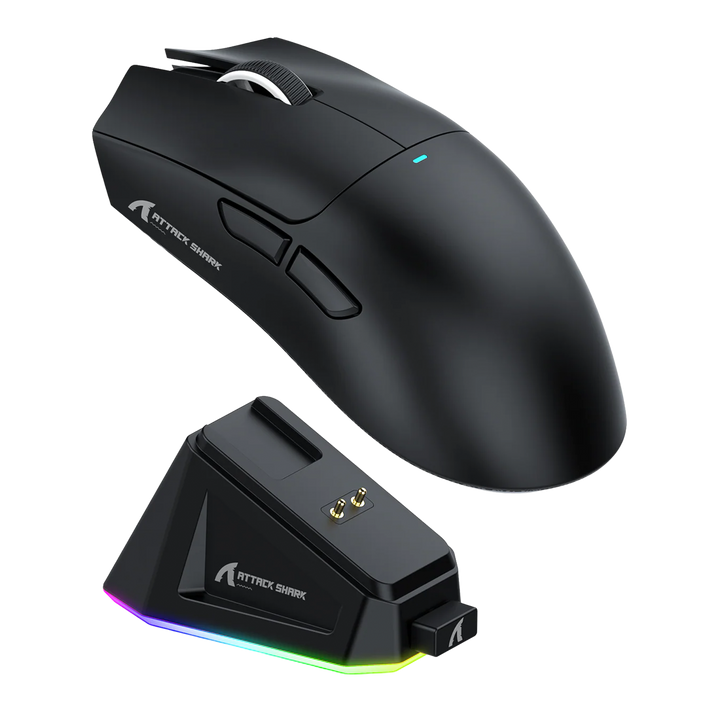
Attack shark X11
Vendor: Attack SharkRegular price LE 1,900.00 EGPRegular priceUnit price per -

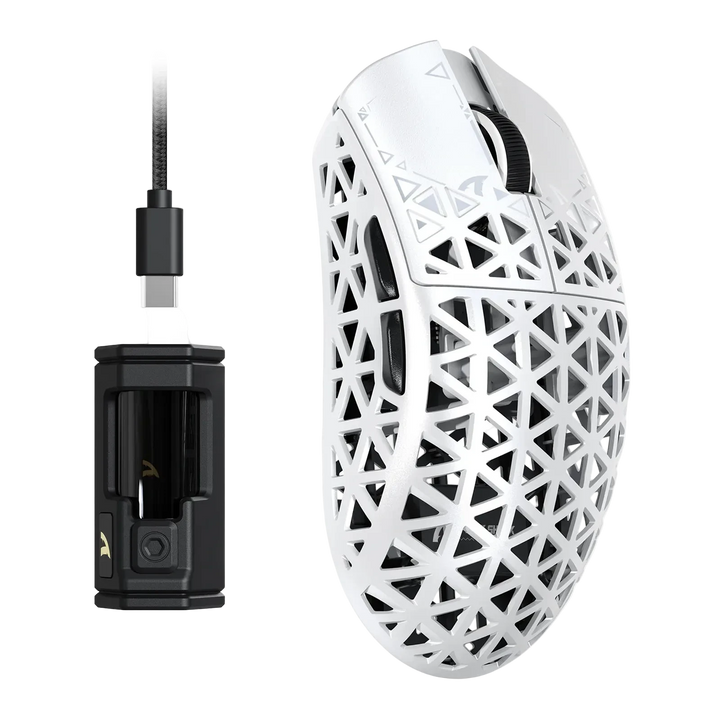
Attack Shark R5 Ultra Carbon Fiber
Vendor: Attack SharkRegular price From LE 3,800.00 EGPRegular priceUnit price per -

ATTACK SHARK R11 ULTRA Carbon Fiber
Vendor: Attack SharkRegular price LE 4,800.00 EGPRegular priceUnit price per -

 Sold out
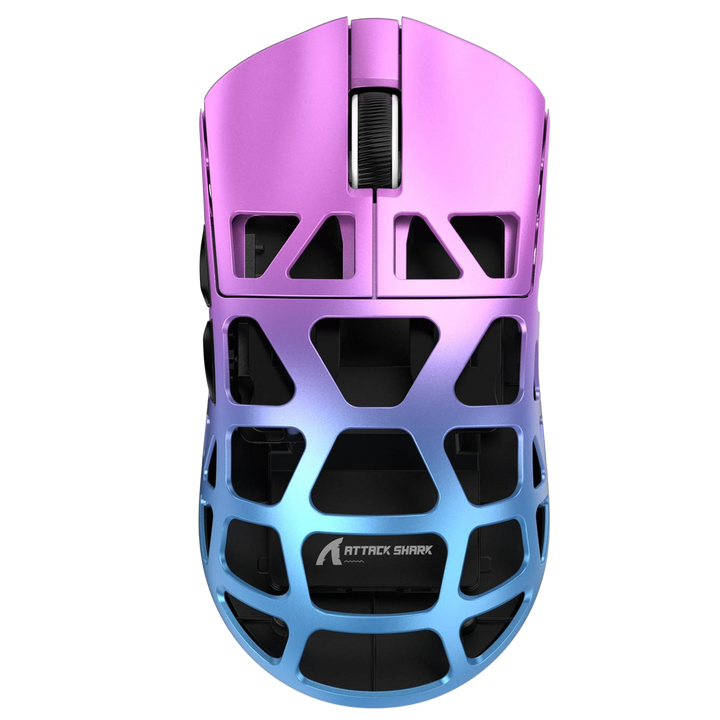
Attack shark R3
Sold outVendor: Attack SharkRegular price LE 3,500.00 EGPRegular priceUnit price per -

Attack Shark XR mouse
Vendor: Attack SharkRegular price LE 1,800.00 EGPRegular priceUnit price per -

Attack shark x3
Vendor: Attack SharkRegular price LE 2,450.00 EGPRegular priceUnit price per -

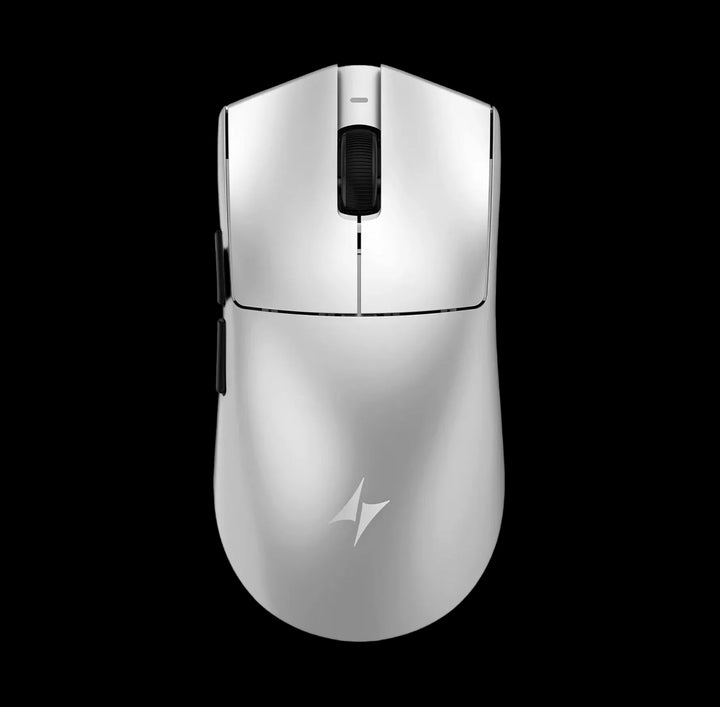 Sold out
ATK Blazing Sky X1 V2
Sold outVendor: ATKRegular price LE 5,500.00 EGPRegular priceUnit price per -

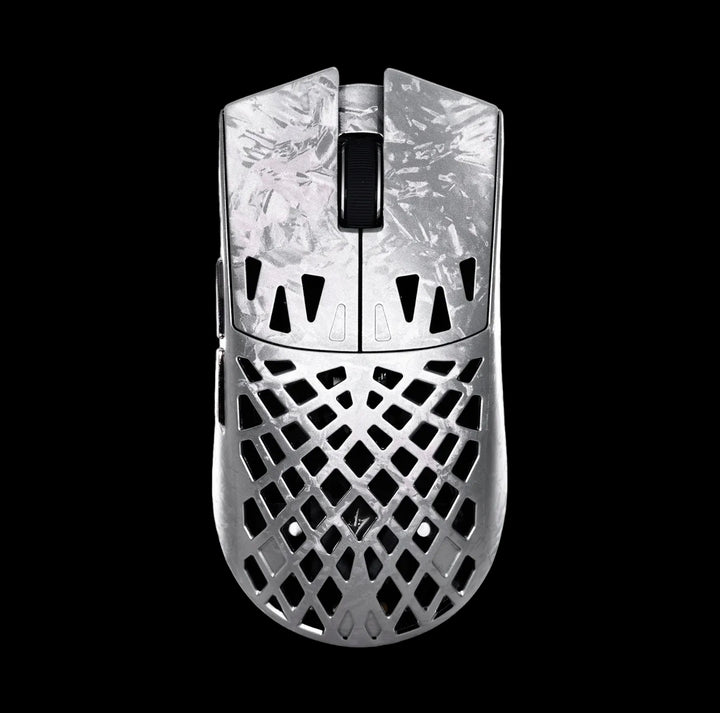 Sold out
ATK Blazing Sky GHOST Carbon Fiber
Sold outVendor: ATKRegular price LE 6,000.00 EGPRegular priceUnit price per -

Attack Shark R6 ultra ice feel coating
Vendor: Attack SharkRegular price LE 4,200.00 EGPRegular priceUnit price per -

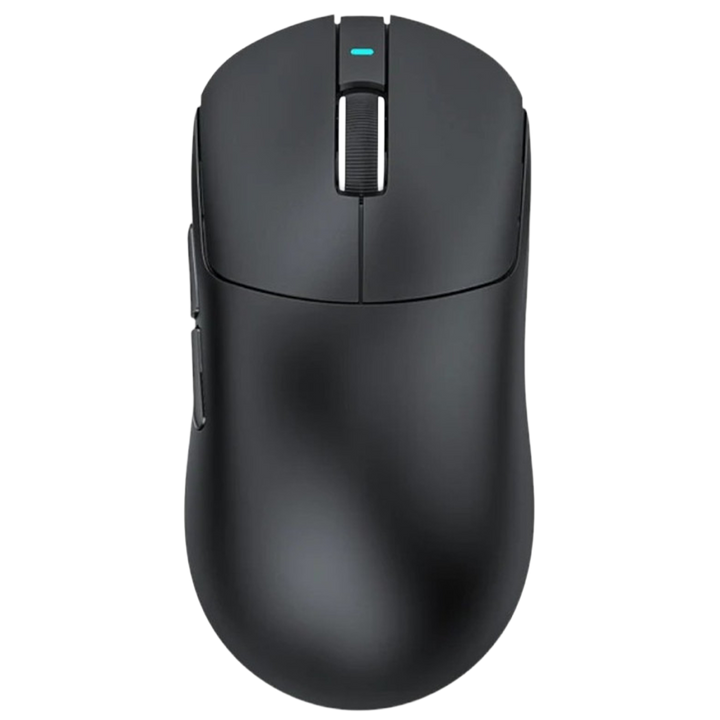 Sold out
ATTACK SHARK X3 Max C06 PLUS WIRELESS GAMING MOUSE
Sold outVendor: Attack SharkRegular price LE 2,500.00 EGPRegular priceUnit price per -

Attack Shark Ultra Light
Vendor: Attack SharkRegular price LE 2,450.00 EGPRegular priceUnit price per -

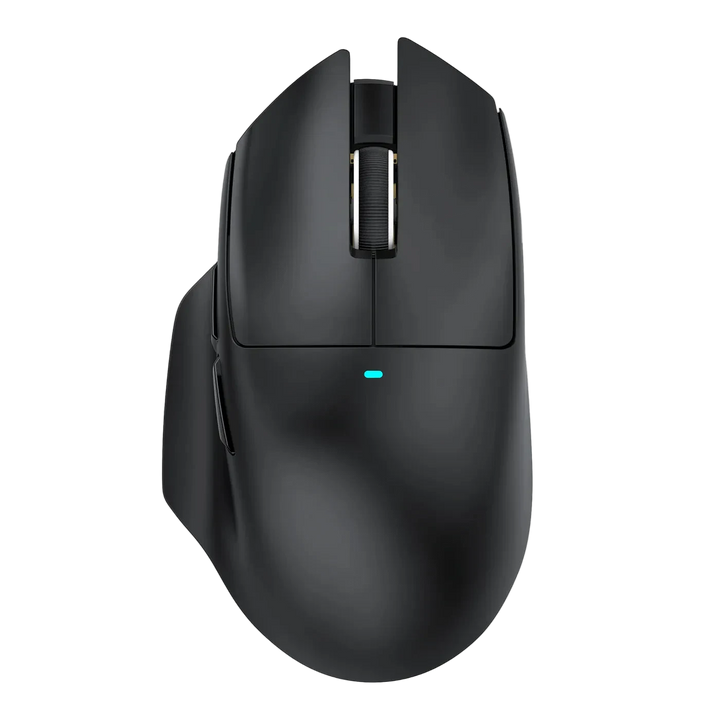
Attack Shark V6
Vendor: Attack SharkRegular price LE 2,600.00 EGPRegular priceUnit price per -

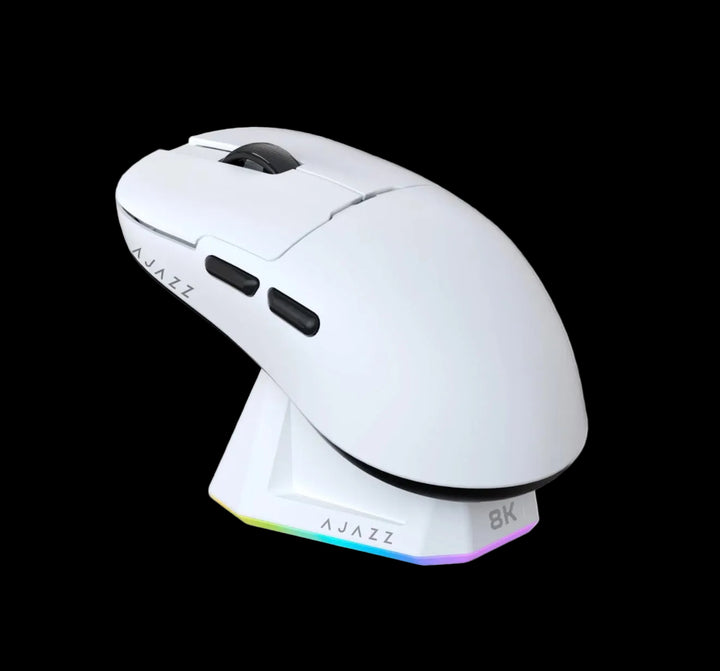
Ajazz v2 pro
Vendor: AjazzRegular price From LE 2,800.00 EGPRegular priceUnit price per -

 Sold out
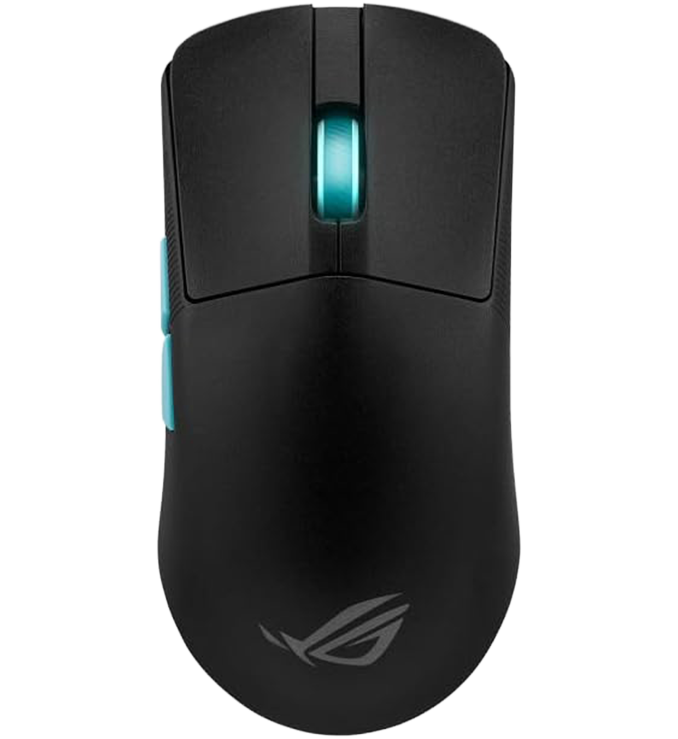
Asus ROG Harpe Ace Aim Lab Edition
Sold outVendor: Asus ROGRegular price LE 4,500.00 EGPRegular priceUnit price perLE 5,600.00 EGPSale price LE 4,500.00 EGPSold out


Buying guide
Which one is right for you
Gaming MiceThe competitive range - light shells, fast sensors, optical switches.
Wireless Mice2.4GHz for play, Bluetooth for everything else - no cable drag.
Budget MiceThe value end, where the sensors are already better than most players need.
Premium MiceFlagship ATK and Attack Shark builds - carbon fibre shells and top-tier sensors.
Wired MiceLowest latency, nothing to charge, and less to pay for the same sensor.
Mouse padsThe surface underneath decides how any of these actually feels.
Key terms, explained
- DPI
- Dots per inch - how far the cursor travels per inch of mouse movement. It is a sensitivity setting, not a quality rating. Most players use 400 to 1,600 DPI and adjust in-game sensitivity from there.
- Polling rate
- How many times per second the mouse reports to the PC, in Hz. 1,000Hz means one report every millisecond. Higher modes such as 4,000Hz and 8,000Hz shave a fraction off input delay and cost battery life.
- IPS
- Inches per second - the fastest hand movement the sensor can still track without losing position. The figure matters most at low DPI, where flicks involve large physical movements.
- Optical switch
- A click registered by breaking a light beam rather than closing a metal contact. Immune to the double-click fault caused by contact wear, and usually rated for 60 to 100 million clicks.
- Tri-mode
- A mouse that connects three ways - 2.4GHz through its own dongle, Bluetooth, and a USB cable. Use the dongle for games and Bluetooth for a second device.
- PTFE feet
- Skates made of virgin PTFE. They glide with less friction than generic plastic and are the cheapest worthwhile upgrade on any mouse once the originals wear down.
- Onboard memory
- Storage inside the mouse for DPI steps, button mappings and lighting, so your settings survive on a PC with no software installed.
- Lift-off distance
- The height at which the sensor stops tracking as you pick the mouse up. A low setting keeps the cursor still while you reposition, which matters at low sensitivity.
FAQ