
Category
· 14 products
Wireless Keyboards
Cut the cord without cutting performance. Every keyboard here features Bluetooth, 2.4GHz, or tri-mode wireless connectivity — delivering desk freedom, clean setups, and low-latency input for gaming, work, and everything in between.
-

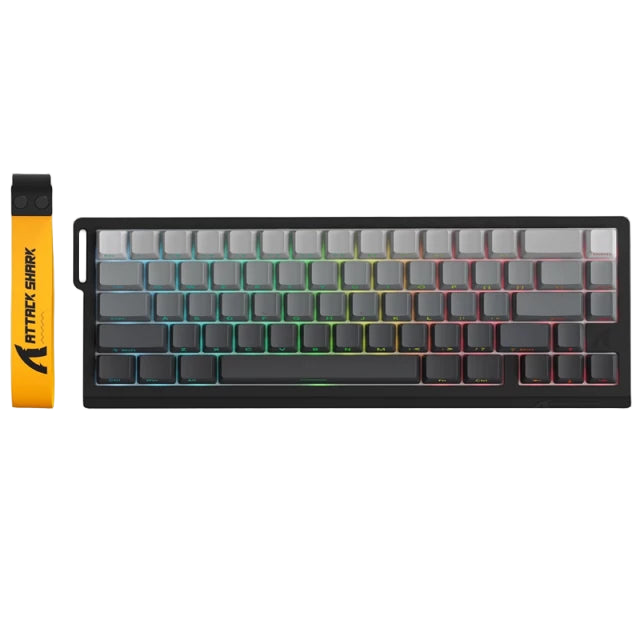
Attack shark x68 Pro He wireless
Vendor: Attack SharkRegular price LE 3,800.00 EGPRegular priceUnit price per -

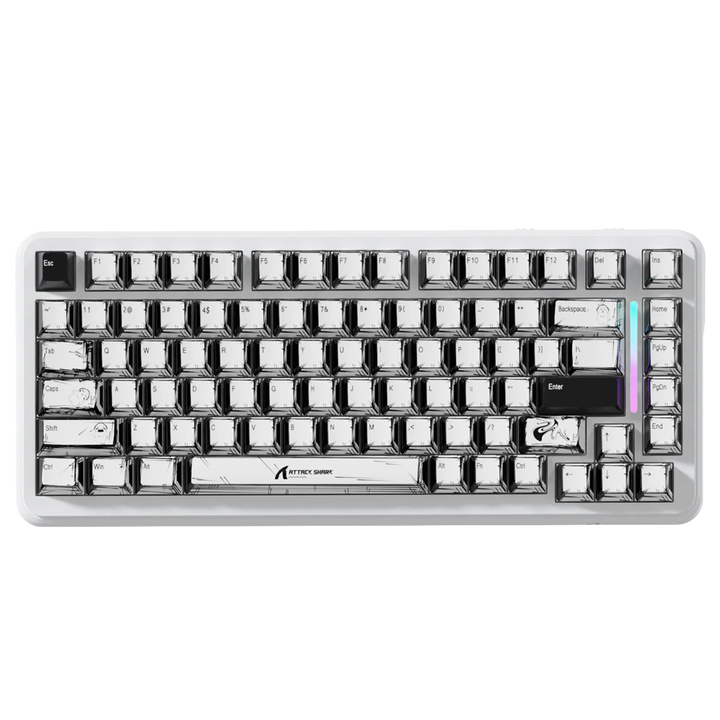
Attack Shark x82 Pro wireless HE
Vendor: Attack SharkRegular price From LE 5,300.00 EGPRegular priceUnit price per -
 Sale
SaleAjazz Ak820 wired
Vendor: AjazzRegular price LE 2,500.00 EGPRegular priceUnit price perLE 4,000.00 EGPSale price LE 2,500.00 EGPSale -

 Sale
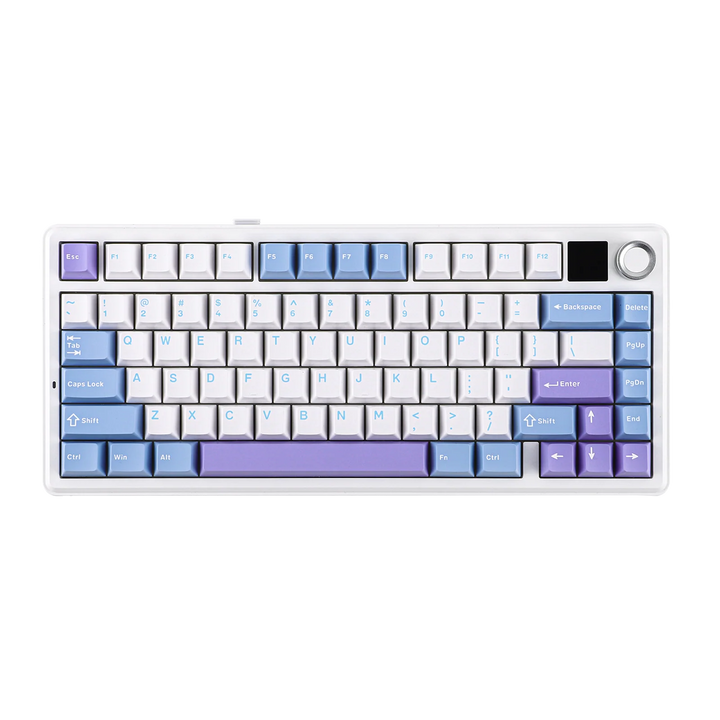
SaleAula F85 Max with oled screen wireless keyboard
Vendor: AULARegular price LE 4,900.00 EGPRegular priceUnit price perLE 5,500.00 EGPSale price LE 4,900.00 EGPSale -

EPOMAKER 65 HE wireless magnetic
Vendor: EpomakerRegular price LE 4,800.00 EGPRegular priceUnit price per -

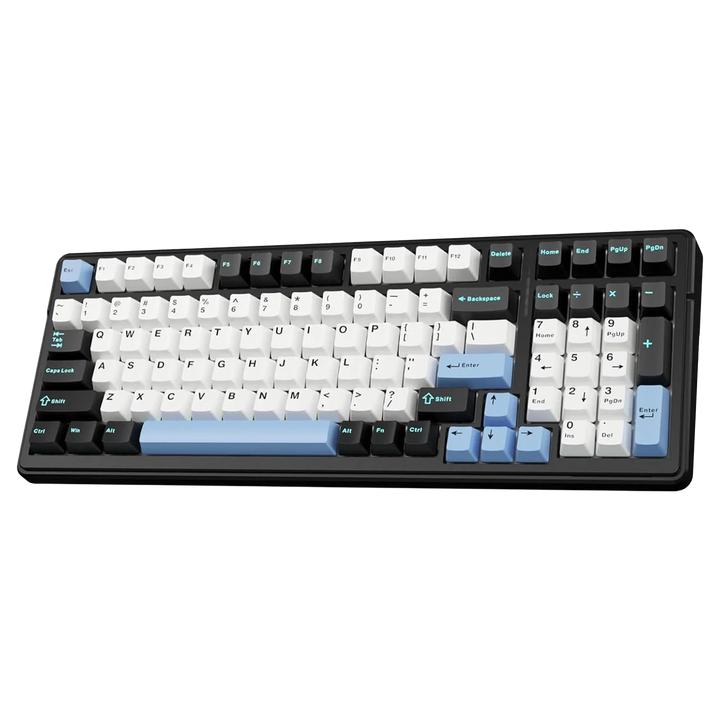
AULA F100 wireless keyboard
Vendor: AULARegular price From LE 3,200.00 EGPRegular priceUnit price per -

 Sold out
Attack shark AK820 ultra wireless
Sold outVendor: Attack SharkRegular price LE 3,000.00 EGPRegular priceUnit price perLE 5,000.00 EGPSale price LE 3,000.00 EGPSold out -
 Sold out
Attack shark wireless keyboard with cnc Knob
Sold outVendor: Attack SharkRegular price LE 4,700.00 EGPRegular priceUnit price perLE 5,400.00 EGPSale price LE 4,700.00 EGPSold out


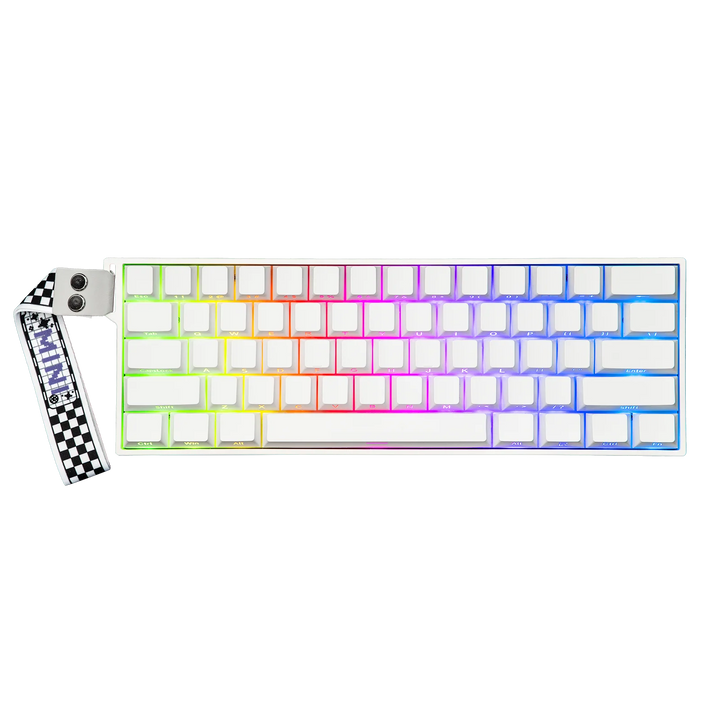

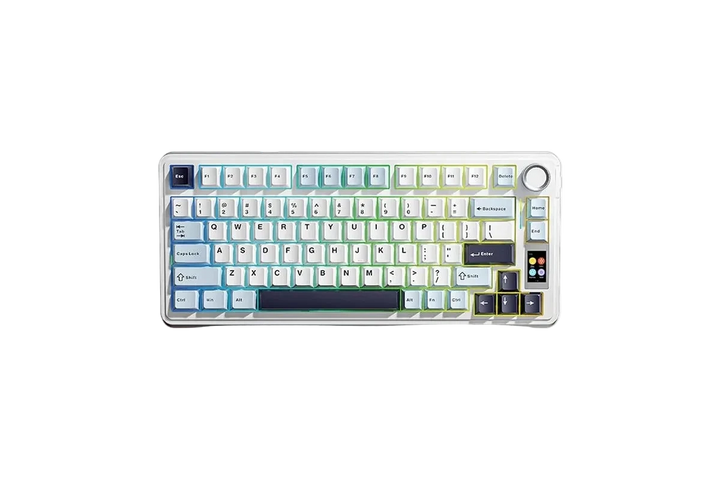


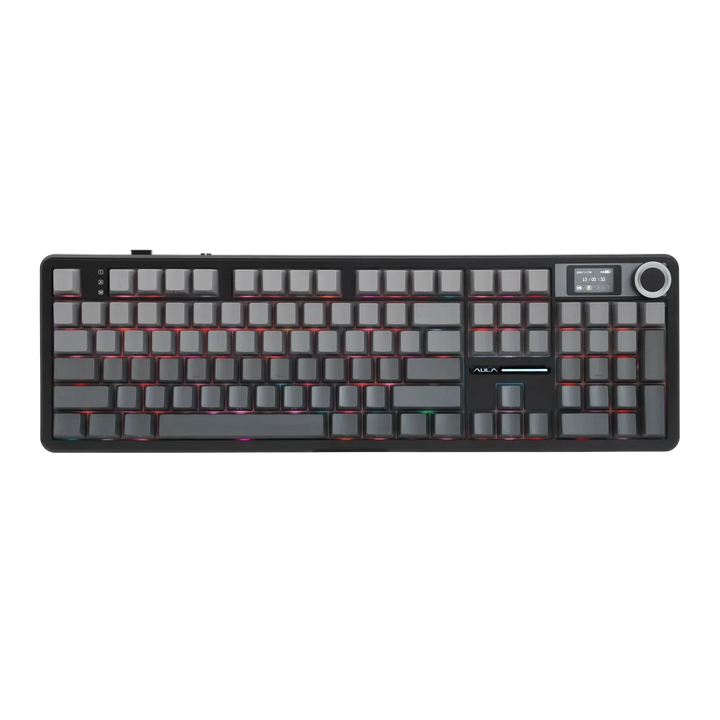

Buying guide
Which one is right for you
KeyboardsThe full range, wired and wireless, if connection is not the filter you want.
Compact Gaming (60-65%)Small wireless boards that free mouse space for low-sensitivity play.
75% Layout KeyboardsArrow keys and a function row, still compact, many of them tri-mode.
Premium KeyboardsWireless plus aluminium cases, OLED screens and magnetic switches.
MousesA wireless mouse on the same dongle-and-Bluetooth pattern as these boards.
Key terms, explained
- 2.4GHz dongle
- A small USB receiver giving the keyboard its own radio link. This is the connection to use for games - latency sits close to a cable and it does not share bandwidth with Bluetooth headphones or a mouse.
- Bluetooth pairing
- Connecting without a dongle, using the protocol already in a phone, tablet or laptop. Convenient, and slower. Fine for typing and media; not the right choice for a competitive shooter.
- Sleep timeout
- How long the board waits idle before powering down to save battery. A short timeout lasts longer; a long one, or sleep disabled, avoids the first-keystroke delay when you come back to the desk.
- Wake latency
- The time between the first keypress after sleep and the board actually sending it. On some boards it is fast enough to ignore; on others the first character of a password disappears. Disable sleep if it annoys you.
- Battery capacity
- Quoted in mAh. The number is only comparable between similar boards, because RGB, polling rate and sleep behaviour change real life far more than a 500mAh difference on the spec sheet.
- Multi-device switching
- Storing several Bluetooth profiles and flipping between them with a key combination. The reason a tri-mode board is useful on a desk that serves a PC and a laptop.
- USB-C charging
- The port used to charge, and on most boards here also to run wired. Being able to keep typing while it charges is what turns a dead battery into an inconvenience rather than the end of a session.
- Wireless interference
- Dropped or delayed keystrokes caused by other 2.4GHz devices, USB 3 ports, or a dongle buried behind a metal case. A short USB extender that puts the dongle on the desk solves most of it.
FAQ