Category · 16 products

75% Layout Keyboards

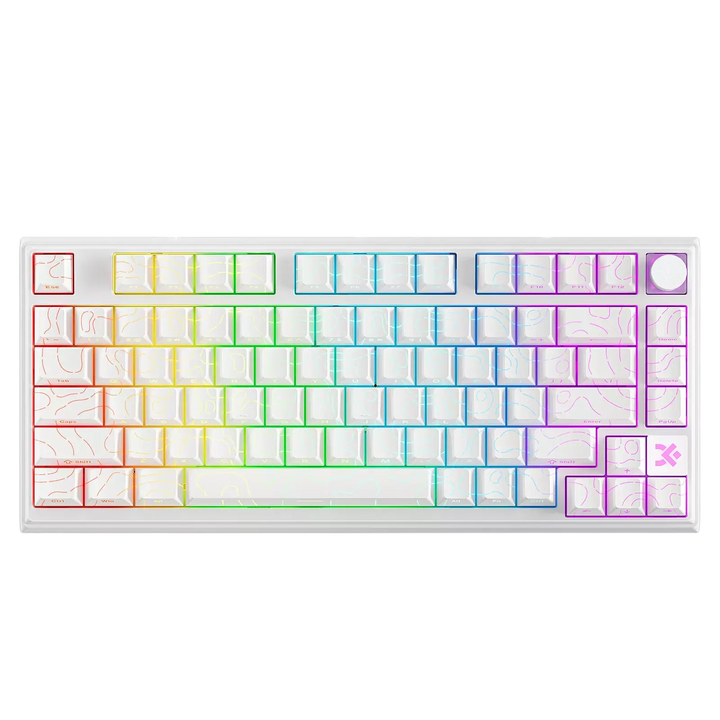
The sweet spot. 75% keyboards keep the function row and arrow keys without the bulk of a full-size — the layout most serious gamers and typists settle on and never leave. Compact enough to matter, complete enough to never miss a key.

Buying guide

Why 75 percent became the default

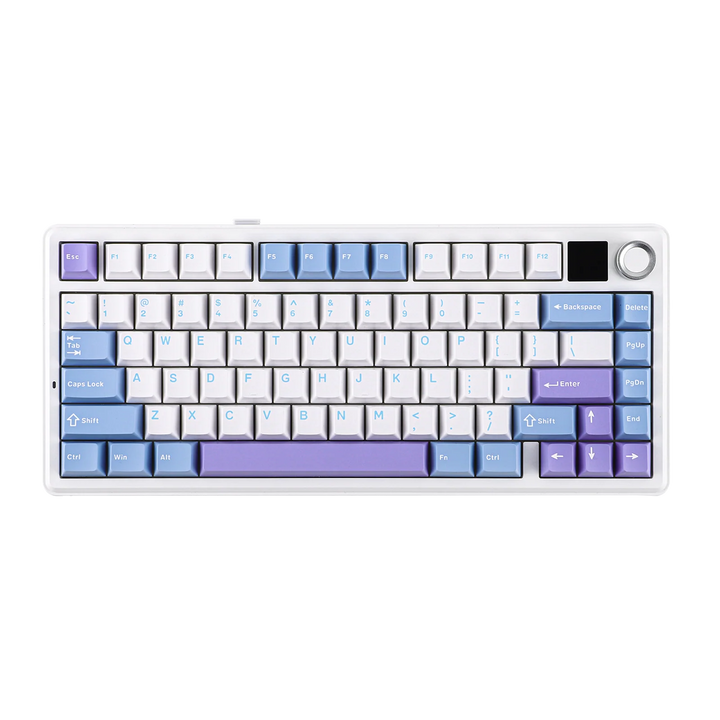
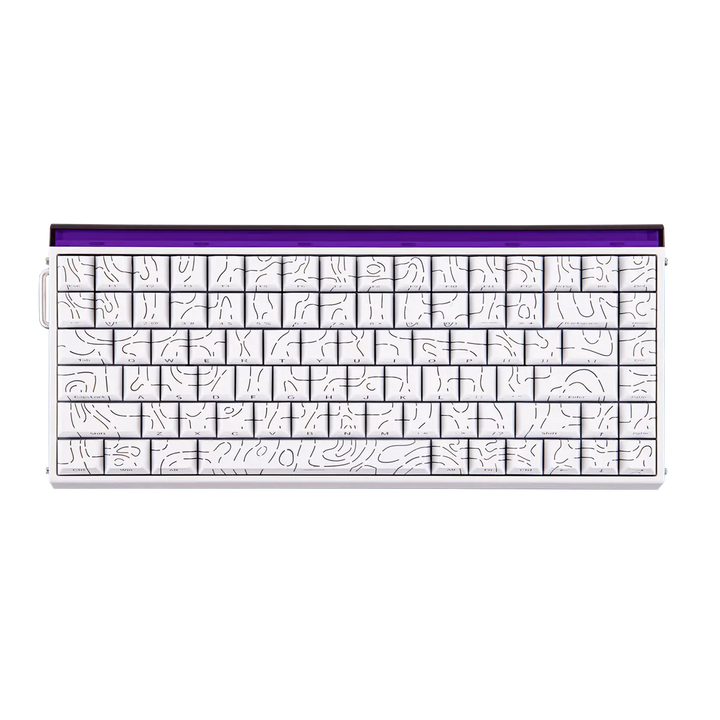
A 75 percent board is the layout most people end up keeping. It holds the full function row and dedicated arrow keys, which are the two things compact boards make you work for, and it does it in a case only slightly wider than a 65 percent. The saving comes from deleting the number pad and pushing the navigation keys into a single column on the right instead of a separate block. Nothing you use daily is on a layer, and the mouse still gets far more room than a full-size board allows. That is the whole argument, and it is why this is the busiest part of our keyboard range.

How it compares with 65 percent and a tenkeyless

Against a 65 percent you gain the function row - twelve keys you no longer reach for through Fn, which matters if you use F5, F9, volume controls or in-game bindings often. You pay for it with about two centimetres of extra height at the back and a slightly closer relationship between the arrows and the right modifiers. Against a tenkeyless you lose nothing functional at all; the keys are simply packed tighter and the navigation block becomes a column. A tenkeyless is easier to hit blind because of the gaps, but it takes noticeably more desk width for the privilege.

The tight cluster, and the week it takes to adjust

Be honest with yourself about this before you buy. On a full-size board the arrows, Delete and Enter sit in separate islands with empty space between them, and your hand navigates by feeling for those gaps. A 75 percent removes the gaps, so for the first few days you will hit Up instead of right Shift, or Delete instead of Backspace. It resolves quickly because the positions are consistent rather than layered, and most people stop noticing within a week. If you type by feel with your eyes on the screen, expect the adjustment; if you look at the board, you will barely register it.

Stabilisers are where quality shows on this layout

A 75 percent board still has all the long keys - space, both Shifts, Enter and Backspace - and those keys rest on stabilisers rather than sitting on a switch alone. How they are fitted decides how much of the board sounds cheap. Plate-mount stabilisers clip into the switch plate and are quick to make, so they are common on lower-priced boards and they are the usual source of a hollow rattle on the space bar. Screw-in stabilisers bolt to the circuit board, sit without play and stay quiet. If you are choosing between two similar boards, this is a more useful tie-breaker than the switch or the lighting.

Knobs, screens and the rest of the extras

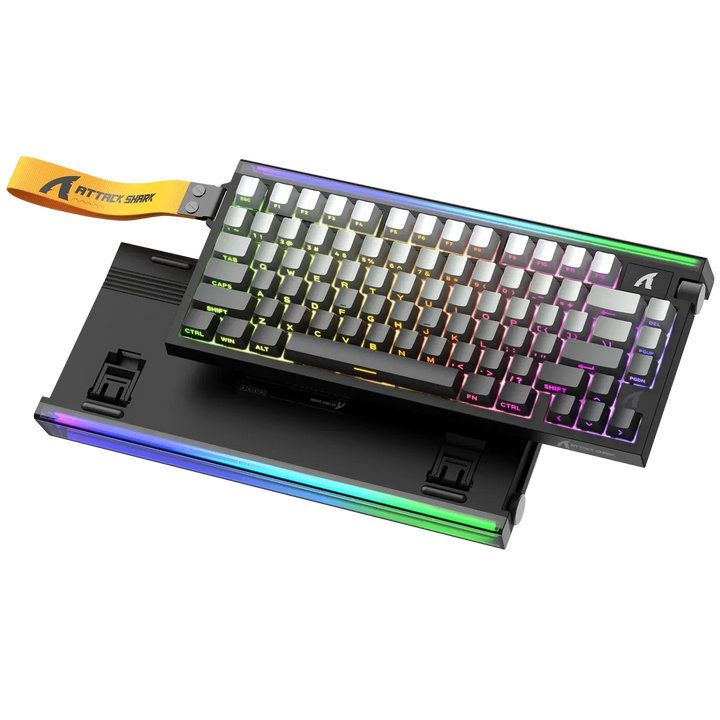
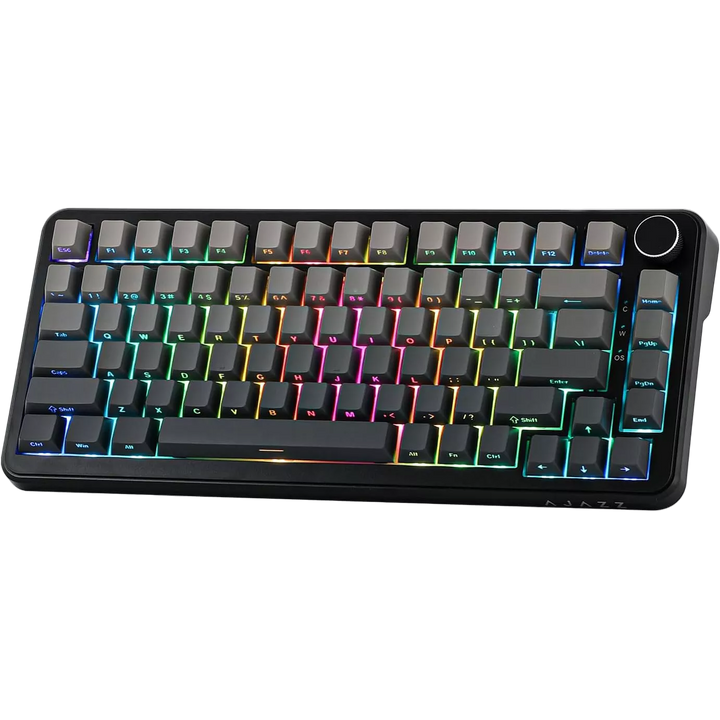
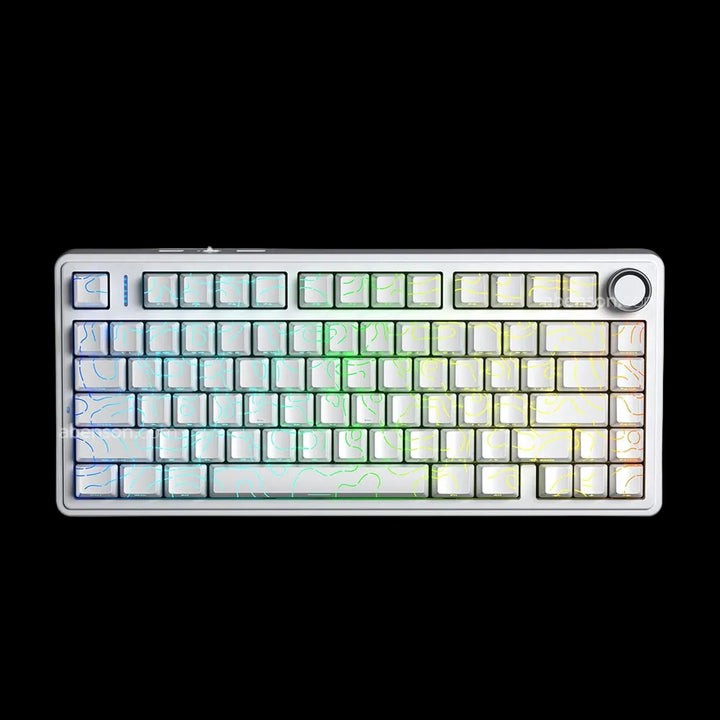
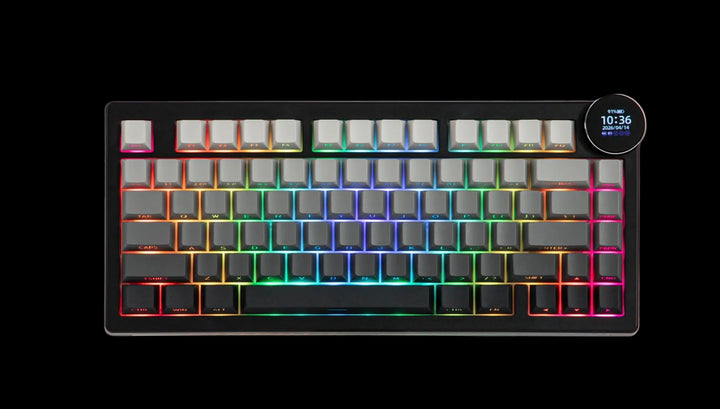
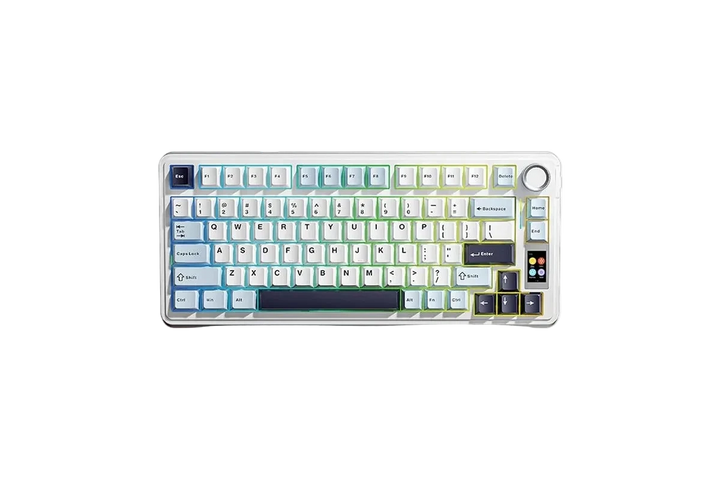
This layout leaves just enough room at the top right for something extra, and manufacturers use it. A rotary knob is the most common and the most genuinely useful, handling volume by default and often remappable to scrolling, zoom or brightness - the Attack shark wireless keyboard with cnc Knob is built around one. A few boards go further and fit a small display, as the Aula F85 Max with oled screen wireless keyboard does, showing battery, connection and mode. Treat these as pleasant additions rather than reasons to choose a board; build quality and switch feel will still decide whether you keep it.

What is in this collection, and buying in Egypt

The range covers wired boards like the Ajazz Ak820 wired, mechanical wireless models such as the AULA F75 Pro Mechanical keyboard and Attack shark K86 wireless, and a deep bench of magnetic ones including the AKKO TAC75 Magnetic HE, Mechlands M75 HE magnetic, AJAZZ AK820 MAX HE Magnetic Keyboard and Attack shark R85 HE keyboard. Several use 82, 84 or 86 keys, which are the same layout with an extra key or two rather than a different class of board. Every unit is genuine, covered for 14 days against product defects and payable cash on delivery in Egyptian pounds. Ships in 48h - weekends may vary.

Key terms, explained
Function row
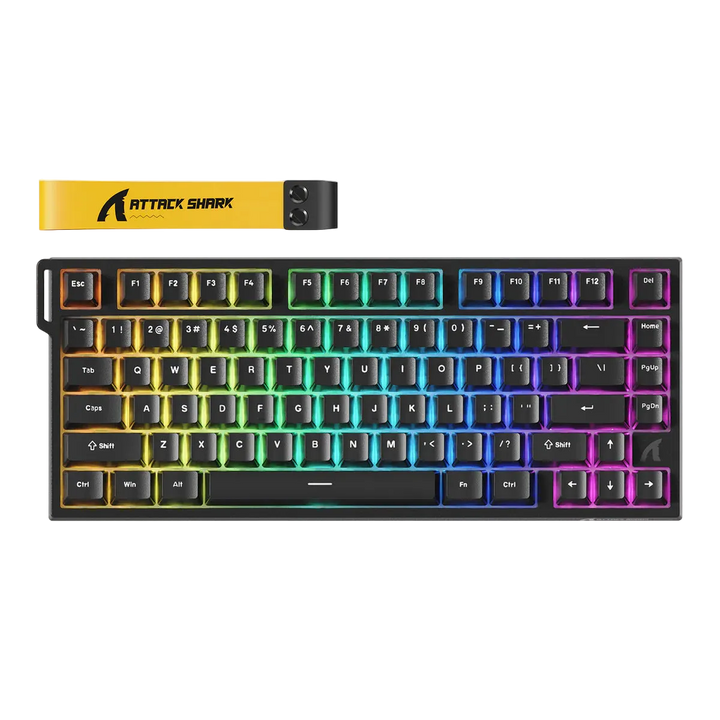
The row of F1 to F12 keys across the top, kept as physical keys on a 75 percent board. It is the main thing this layout adds over a 65 percent, and it matters if you use those keys for in-game bindings, refresh, or media controls.
Navigation column
The single vertical strip on the right holding Delete, Page Up, Page Down and usually Home or End. On a full-size or tenkeyless board these keys occupy a six-key block; compressing them into one column is how a 75 percent saves its width.
Exploded 75 percent
A variation that keeps the same key count but reinstates small gaps between the clusters. It is a little wider than a standard 75 percent and easier to navigate by feel, since your fingers can find the empty space.
Screw-in stabiliser
A stabiliser fixed to the circuit board with screws rather than clipped into the plate. It sits without play, which is why the long keys on boards that use them are quieter and firmer straight out of the box.
Plate-mount stabiliser
A stabiliser that clips into the switch plate. Cheaper to fit and easier for the manufacturer to assemble, but it can shift slightly under the key, which produces the rattle most people hear on a budget space bar.
1.75u right shift
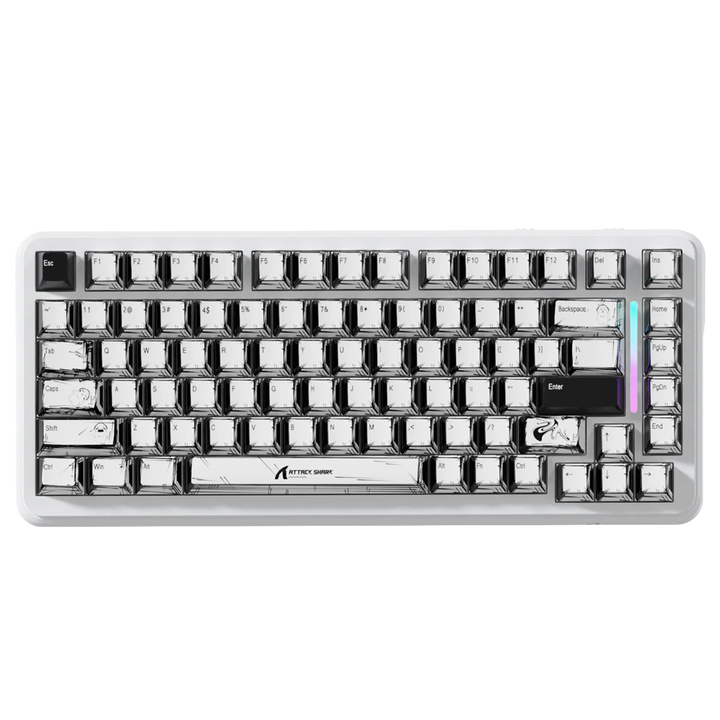
The shortened right Shift many 75 percent boards use to make room for the arrow keys. It is worth checking before you buy a keycap set, because sets cut only for a full-length right Shift will leave that key uncovered.
Rotary encoder
The knob fitted at the top right of many boards in this collection. It reads rotation in steps rather than as a position, so it can be remapped to volume, scrolling, zoom or application-specific controls.
82, 84 and 86 keys
Key counts you will see in product names on this layout. They all describe a 75 percent board with one or two extra keys squeezed into the top or right edge, not a larger or different layout.
Key spacing
The gaps, or lack of them, between key clusters. A 75 percent removes the spacing a full-size board uses, which is what causes the short adjustment period and why some people prefer the exploded variant.
FAQ
Why is 75 percent the most popular keyboard layout?

It is the smallest layout that asks nothing of you. You keep the function row and dedicated arrow keys, so nothing you use daily hides behind Fn, and you still save the whole number pad worth of desk width. Most people who try both a compact board and a full-size one settle here.

What is the difference between a 75 percent keyboard and a tenkeyless?

They have almost the same keys. A tenkeyless keeps the separate navigation block and the gaps between clusters, so it is wider but easier to hit blind. A 75 percent compresses the navigation keys into one column and closes the gaps, trading a short adjustment period for a noticeably smaller footprint.

Should I get a 75 percent or a 65 percent board?

Choose 75 percent if you use the function row - for in-game bindings, media keys, refresh or debugging shortcuts. Choose 65 percent if you barely touch those keys and would rather have the extra mouse space and a shorter board. Both keep dedicated arrow keys, which is the decision that matters most.

How long does it take to get used to the tighter key cluster?

Usually three to seven days of normal use. The mistakes are predictable - Up instead of right Shift, Delete instead of Backspace - because the gaps your hands used for reference are gone. It settles faster than a compact board's layers do, since every key is still a physical key in a fixed place.

Do 75 percent keyboards take standard keycap sets?

Mostly, with two things to check. Many use a shortened 1.75u right Shift, and a set cut only for a full-length one will leave that key bare. The navigation column also needs four or five extra keys included. Read the set's contents list against the board's photos before ordering.

What does the knob on these keyboards do?

By default it controls volume, and pressing it usually mutes. Most boards let you reassign it through their configurator to scrolling, zoom, brightness or an application-specific control, and some support a different assignment per profile. It is a convenience feature, not a performance one.

Are screw-in stabilisers worth paying more for?

If the sound of the board matters to you, yes. Screw-in stabilisers bolt to the circuit board and cannot shift, so the space bar, Shift and Enter sound solid instead of rattling. Plate-mount stabilisers can be tuned by hand with lubricant and tape, but that is fiddly work you would rather not have to do.

Is an 84-key or 86-key board still a 75 percent layout?

Yes. Those names describe the same layout with an extra key or two fitted into the top row or the right edge, often a macro key or a dedicated Delete. The footprint, the function row and the arrow arrangement are unchanged.

Does a 75 percent board leave enough desk space for low-sensitivity aim?

For most players, comfortably. You save the full width of the number pad, which is the biggest single gain available, and the remaining difference against a 65 percent board is around two centimetres. If you play at very low sensitivity with large arm movements, a compact board plus a wide pad gives you more room again.

Can I use a 75 percent keyboard for work as well as gaming?

This layout is the easiest of the compact sizes to work on, because spreadsheets, text editing and development all lean on the function row and arrow keys that it keeps. The only thing you give up is the number pad, which matters if you enter long runs of figures. A separate number pad solves that if it turns out you need one.

Do you deliver these keyboards across Egypt, and is there a warranty?

Yes, to every governorate, payable cash on delivery in Egyptian pounds. Ships in 48h - weekends may vary. Every board is a genuine unit with genuine-unit verification and 14-day cover against product defects, and support is available in Arabic and English.