
Category
· 35 products
Keyboards
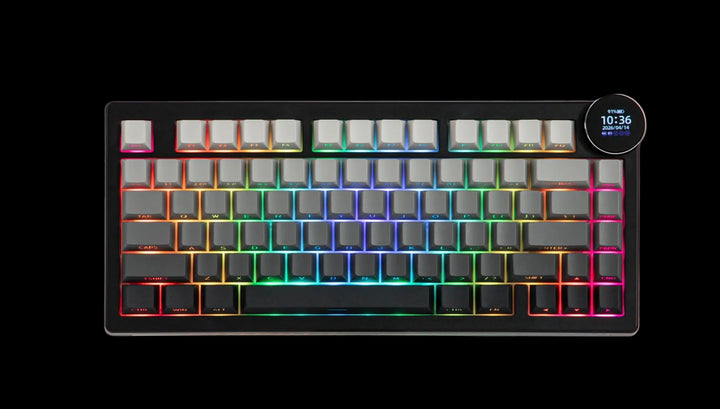
Mechanical and Hall-effect keyboards for gaming and typing - compact 60-65% and 75% layouts, full-size boards, wired and wireless, from budget builds to full-aluminium flagships. Every board is chosen for switch quality, build and value, and most are hot-swappable so you can retune the feel over time.
-

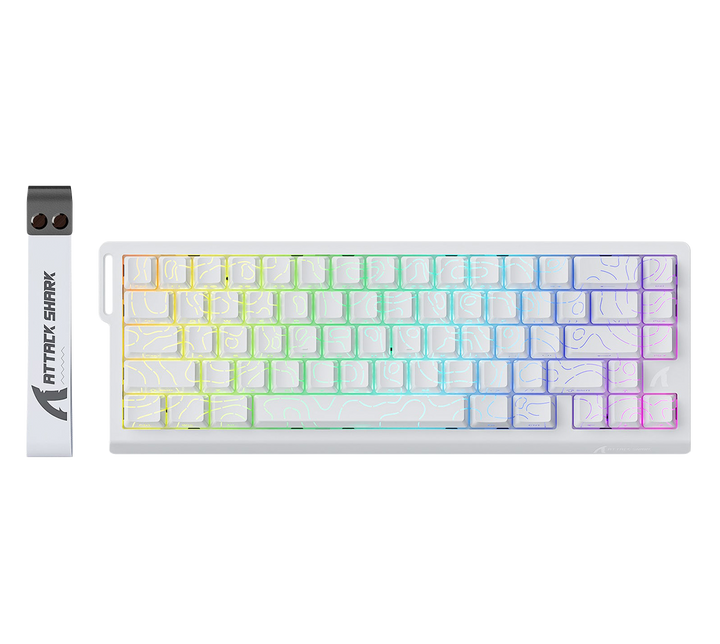
Attack shark X68 HE & Contour line
Vendor: Attack SharkRegular price From LE 2,900.00 EGPRegular priceUnit price per -

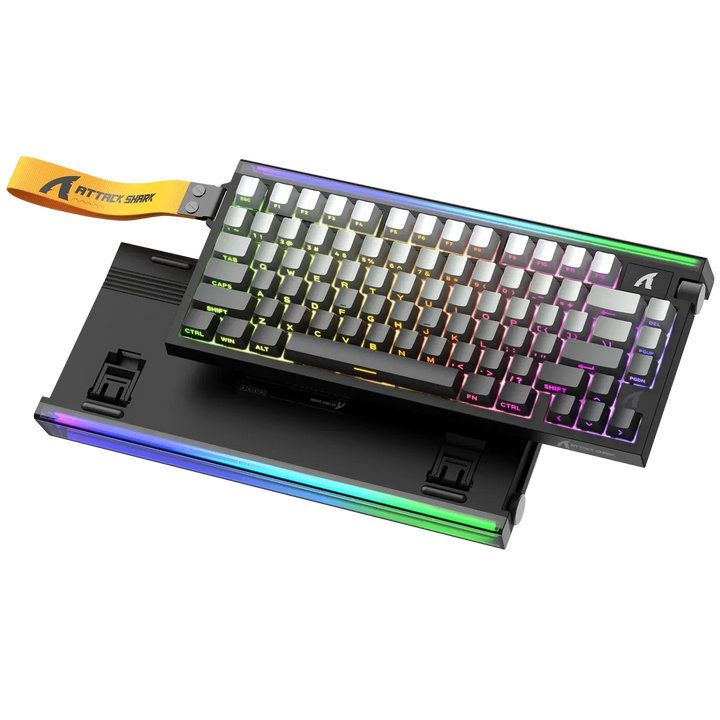
Attack shark R85 HE keyboard
Vendor: Attack SharkRegular price From LE 4,000.00 EGPRegular priceUnit price per -

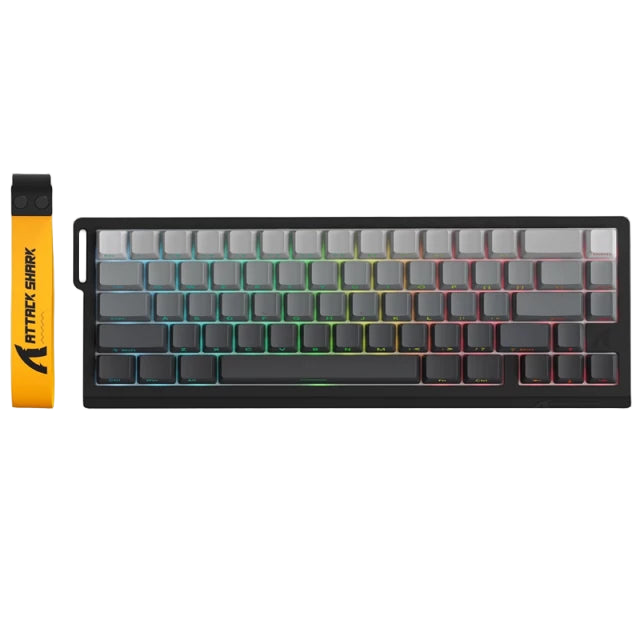
Attack shark x68 Pro He wireless
Vendor: Attack SharkRegular price LE 3,800.00 EGPRegular priceUnit price per -

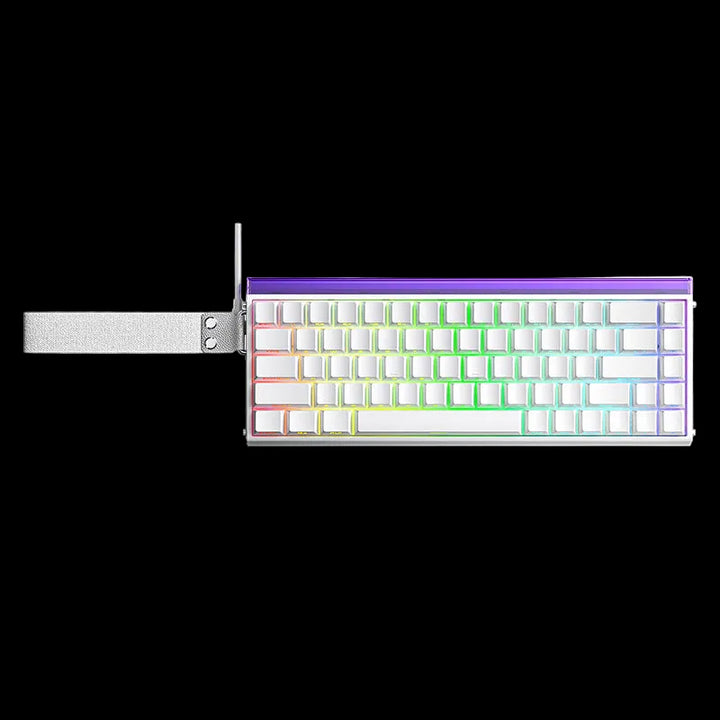 Sale
SaleAula 68 HE magnetic keyboard
Vendor: AULARegular price From LE 3,500.00 EGPRegular priceUnit price perLE 4,500.00 EGPSale price From LE 3,500.00 EGPSale -

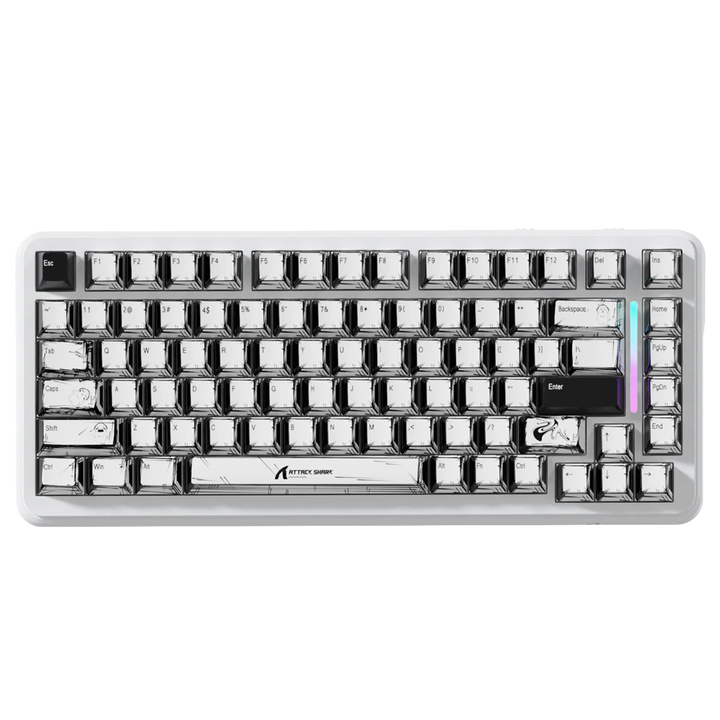
Attack Shark x82 Pro wireless HE
Vendor: Attack SharkRegular price From LE 5,300.00 EGPRegular priceUnit price per -

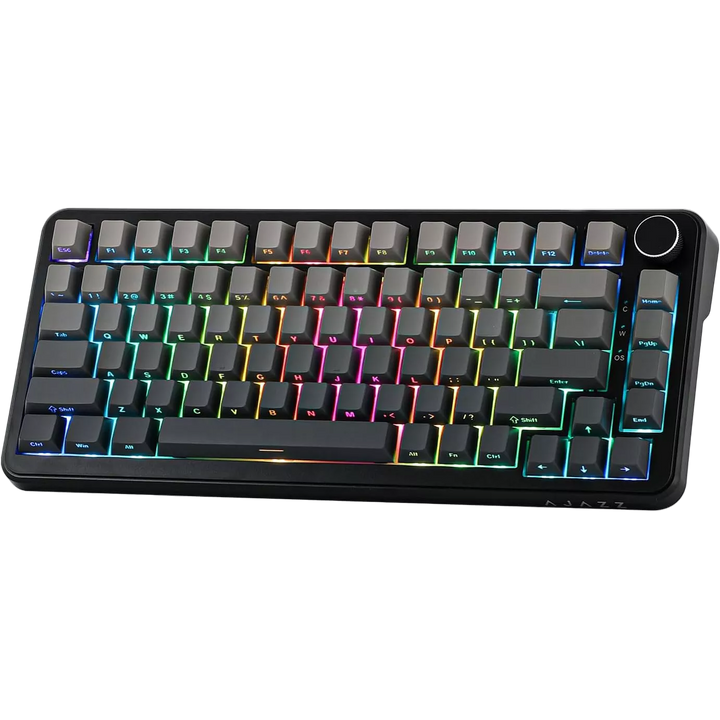
AJAZZ AK820 MAX HE Magnetic Keyboard
Vendor: AjazzRegular price LE 3,800.00 EGPRegular priceUnit price perLE 0.00 EGPSale price LE 3,800.00 EGP -
 Sale
SaleAjazz Ak820 wired
Vendor: AjazzRegular price LE 2,500.00 EGPRegular priceUnit price perLE 4,000.00 EGPSale price LE 2,500.00 EGPSale -

 Sale
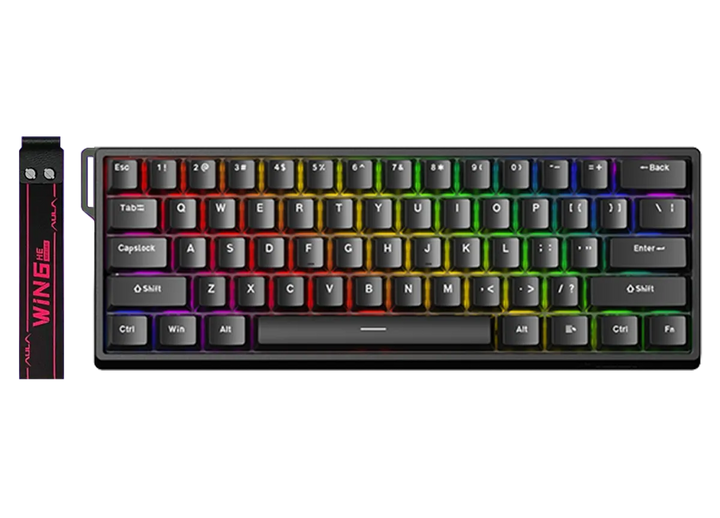
SaleAula w60 HE magnetic keyboard
Vendor: AULARegular price LE 2,500.00 EGPRegular priceUnit price perLE 4,000.00 EGPSale price LE 2,500.00 EGPSale -

 Sale
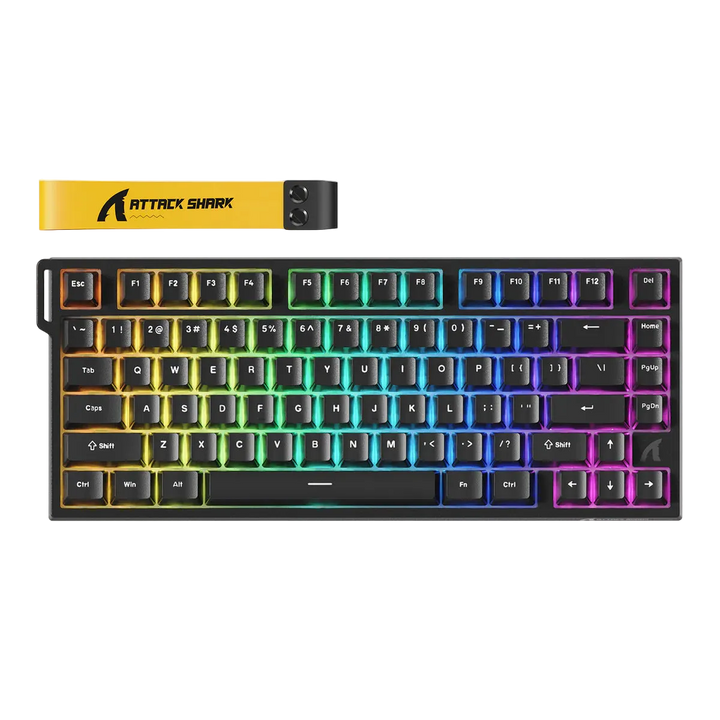
SaleAttack shark x85 He magnetic keyboard
Vendor: Attack SharkRegular price LE 3,600.00 EGPRegular priceUnit price perLE 4,000.00 EGPSale price LE 3,600.00 EGPSale -

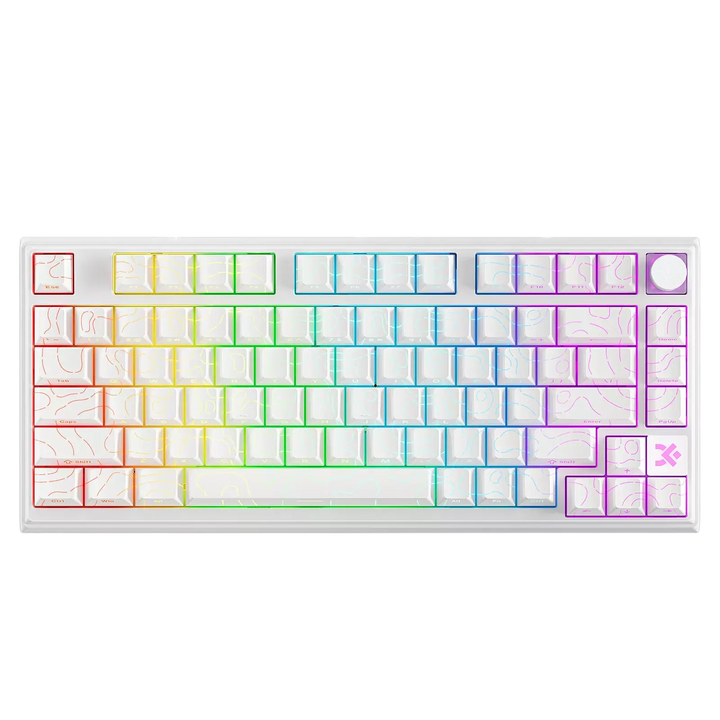 Sold out
Ducky G75 He magnetic keyboard
Sold outVendor: DuckyRegular price From LE 3,500.00 EGPRegular priceUnit price perLE 4,000.00 EGPSale price From LE 3,500.00 EGPSold out -

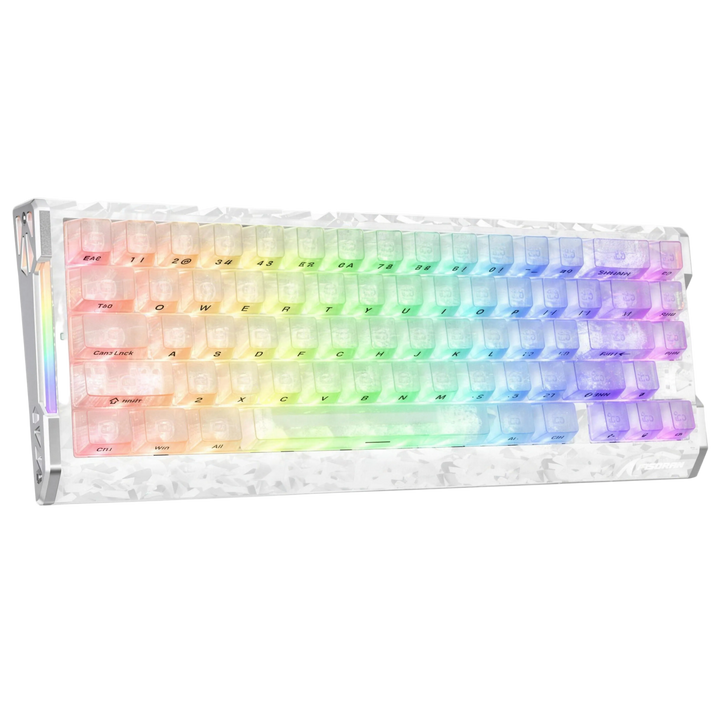
Attack Shark HE Carbon Fiber
Vendor: Attack SharkRegular price From LE 3,700.00 EGPRegular priceUnit price per -
 Sold out
AJAZZ AK820 MAX ULTRA
Sold outVendor: AjazzRegular price LE 5,500.00 EGPRegular priceUnit price per







Buying guide
Which one is right for you
For FPS and competitiveCompact 60-65% boards with rapid trigger for the fastest, most consistent input.
The all-rounderA 75% layout keeps arrows and the function row without the bulk - the layout most people settle on.
For a premium typing feelGasket-mounted boards with a soft, cushioned, quieter keystroke.
Going wirelessBluetooth, 2.4GHz and tri-mode boards for a clean, cable-free desk.
On a budgetGenuine Hall-effect performance and solid builds under 4,000 EGP.
Endgame buildsFull-aluminium CNC cases and flagship magnetic switches.
Key terms, explained
- Hall-effect (magnetic) switch
- A switch that reads the key position magnetically with a Hall sensor instead of a metal contact - nothing wears out, the actuation depth is adjustable, and rapid trigger becomes possible.
- Rapid trigger
- A magnetic-switch feature that registers a press the instant the key moves down and resets the instant it moves up, so fast repeats and counter-strafes fire without waiting for a fixed reset point.
- Actuation point
- The depth at which a keypress registers. On magnetic boards it is adjustable, often 0.1 to 4.0mm - shallow for fast gaming input, deeper to avoid mistypes.
- Hot-swap
- Sockets that let you change switches by hand with no soldering, so you can retune the feel or repair a switch yourself.
- Layout (60 / 65 / 75 / TKL)
- How many keys the board keeps. 60% drops arrows and the function row for desk space, 65% adds arrows, 75% adds a function row, and TKL keeps everything except the numpad.
- Polling rate
- How often the keyboard reports to the PC, in Hz. 1000Hz reports every 1ms and 8000Hz every 0.125ms, for lower and steadier input latency.
- Gasket mount
- A build style that suspends the plate on soft gaskets inside the case, giving a cushioned, quieter keystroke that plate-mounted boards cannot match.
- PBT and ABS keycaps
- The two common keycap plastics. PBT resists the shine that develops where fingers rub and has a drier, more textured feel. ABS is smoother and takes sharper legends but polishes to a gloss over time.
- Stabilisers
- The wire-and-housing mechanism under long keys such as space, shift and enter, which stops them rocking. Badly tuned stabilisers rattle, and they are the usual source of the cheap noise on an otherwise good board.
- N-key rollover
- The ability to register every key you press simultaneously, however many that is. It is what prevents dropped inputs when you hold several keys at once, and anti-ghosting is the same idea described from the other direction.
- South-facing RGB
- LEDs positioned at the bottom of the switch housing rather than the top. It matters because north-facing LEDs can foul the tighter keycap profiles, so south-facing avoids interference when you change keycaps.
- Foam and tape mods
- Layers added inside the case, or tape on the underside of the circuit board, to remove hollowness and deepen the sound. The cheapest way to change how a keyboard sounds without replacing a single component.
FAQ