
Category
· 35 products
Immersive Gaming IEMs
In-ear monitors chosen for competitive play - precise imaging and a clean midrange so footsteps and directional cues stay easy to place.
Every set is a genuine unit with 14-day cover against product defects, payable cash on delivery in Egyptian pounds.
-

KZ EDX PRO X
Vendor: Knowledge Zenith (KZ)Regular price From LE 1,450.00 EGPRegular priceUnit price perLE 0.00 EGPSale price From LE 1,450.00 EGP -

 Sale
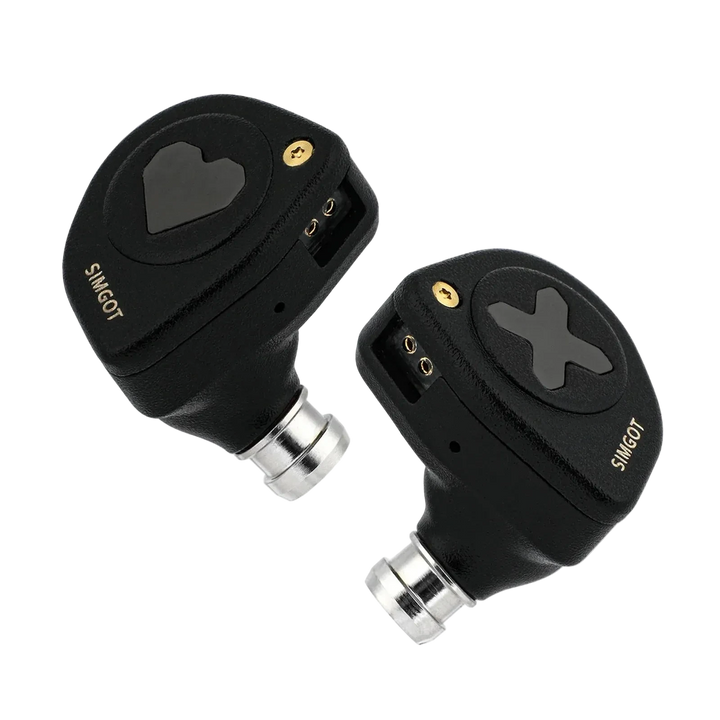
SaleSimgot EW300
Vendor: SimgotRegular price From LE 5,600.00 EGPRegular priceUnit price perLE 8,800.00 EGPSale price From LE 5,600.00 EGPSale -


KZ Gale
Vendor: Knowledge Zenith (KZ)Regular price From LE 2,100.00 EGPRegular priceUnit price per -

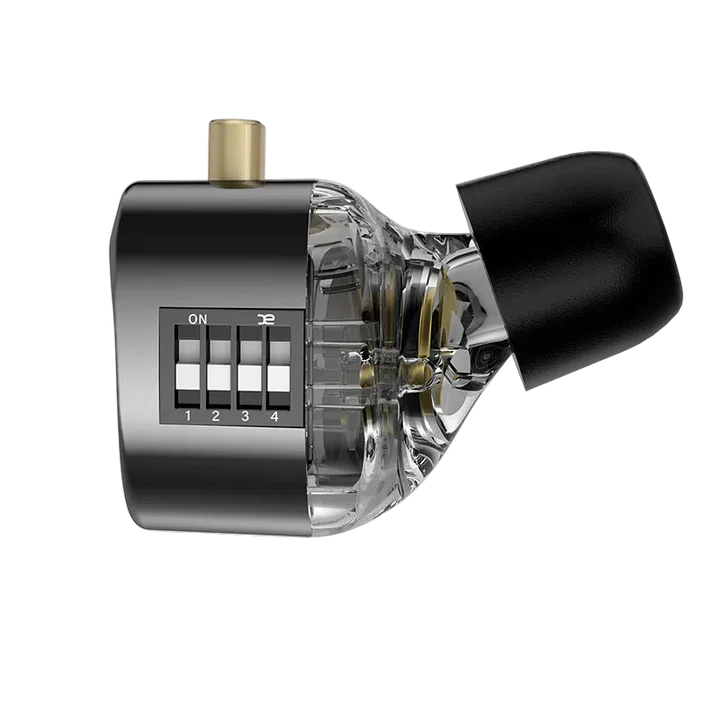
KZ Castor pro
Vendor: Knowledge Zenith (KZ)Regular price From LE 2,600.00 EGPRegular priceUnit price per -

 Sold out
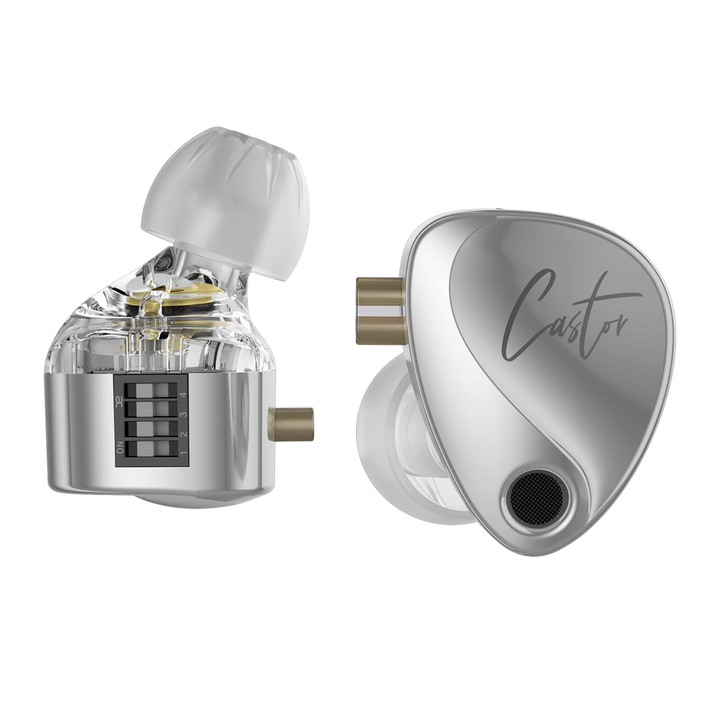
KZ Castor
Sold outVendor: Knowledge Zenith (KZ)Regular price LE 2,000.00 EGPRegular priceUnit price per -

KZ ZS10 Pro2
Vendor: Knowledge Zenith (KZ)Regular price LE 2,900.00 EGPRegular priceUnit price per -


KZ ZSN Pro2
Vendor: Knowledge Zenith (KZ)Regular price LE 2,600.00 EGPRegular priceUnit price per -

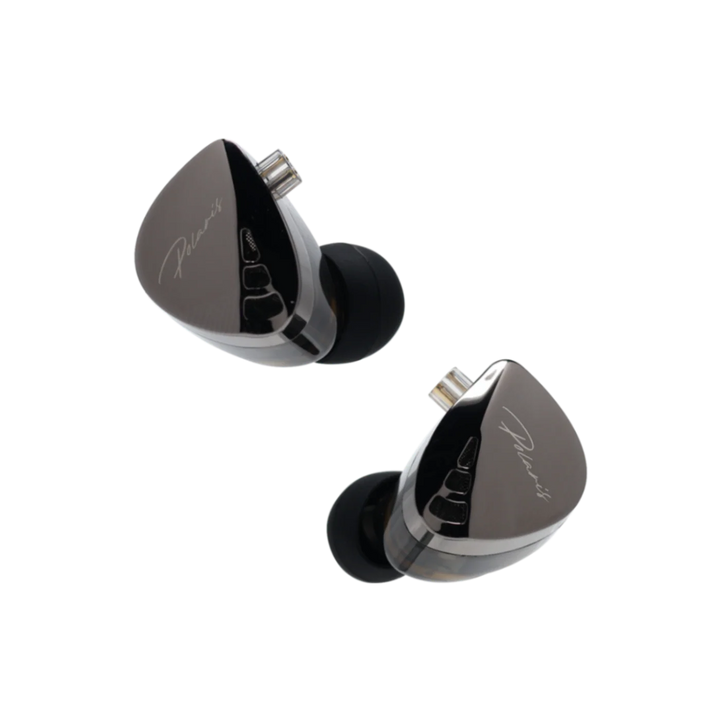
CCA Polaris Dual Chamber
Vendor: CCARegular price From LE 1,600.00 EGPRegular priceUnit price per -

 Sold out
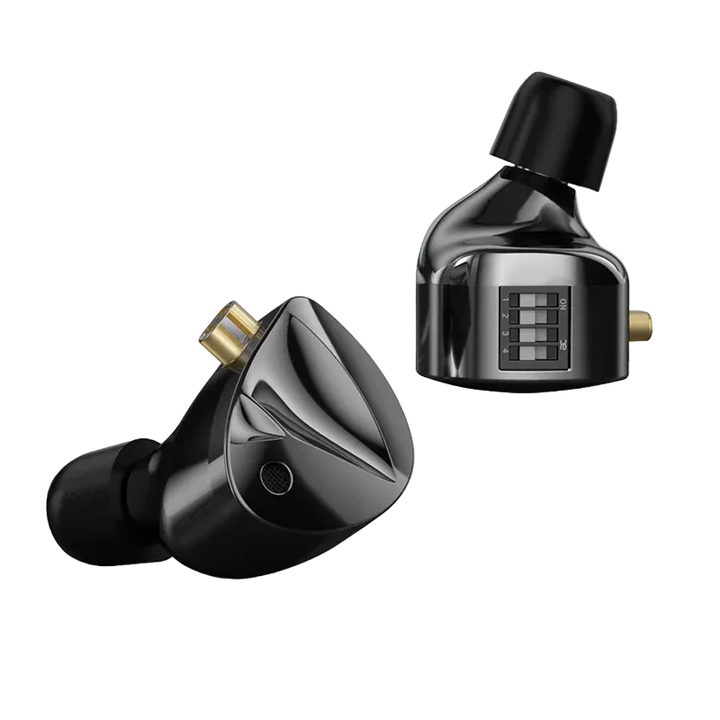
KZ D-FI
Sold outVendor: Knowledge Zenith (KZ)Regular price LE 2,000.00 EGPRegular priceUnit price perLE 2,500.00 EGPSale price LE 2,000.00 EGPSold out -

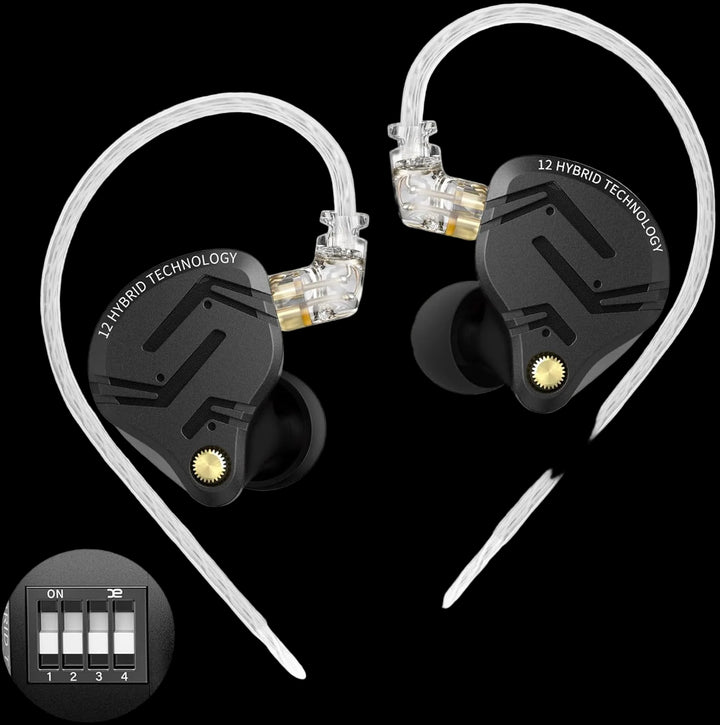
Kz ZS12 Pro X
Vendor: Knowledge Zenith (KZ)Regular price From LE 4,200.00 EGPRegular priceUnit price per -

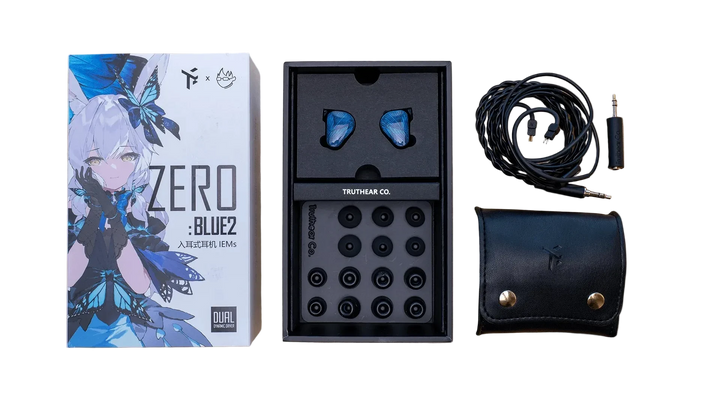
TRUTHEAR ZERO:BLUE 2
Vendor: TruthearRegular price LE 5,800.00 EGPRegular priceUnit price per -

 Sold out
TRUTHEAR HEXA
Sold outVendor: TruthearRegular price LE 7,000.00 EGPRegular priceUnit price per -

KZ ZSN Pro X
Vendor: Knowledge Zenith (KZ)Regular price LE 1,600.00 EGPRegular priceUnit price per -

 Sold out
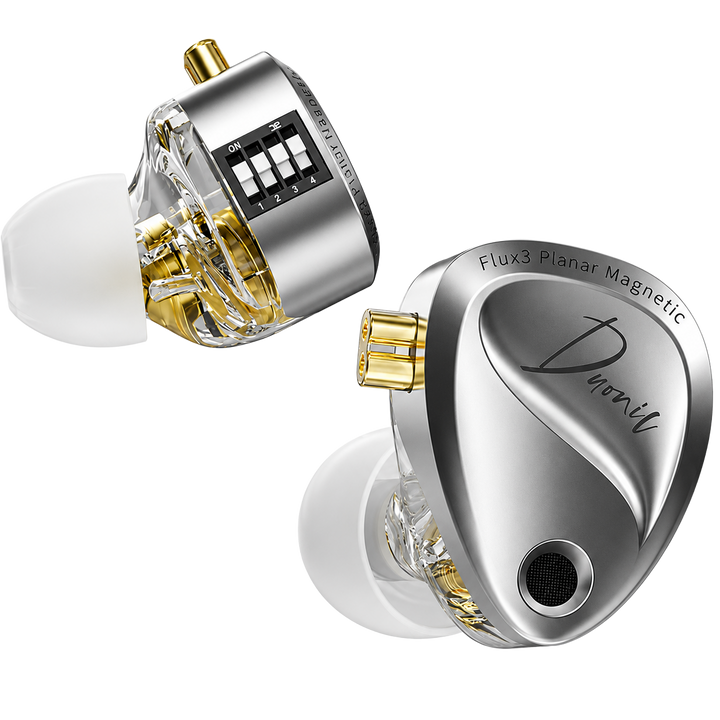
KZ Duonic
Sold outVendor: Knowledge Zenith (KZ)Regular price LE 2,800.00 EGPRegular priceUnit price perLE 3,000.00 EGPSale price LE 2,800.00 EGPSold out -

Kz Eldar
Vendor: Knowledge Zenith (KZ)Regular price LE 1,750.00 EGPRegular priceUnit price per


Buying guide
Which one is right for you
EarphonesThe full in-ear range if you want to compare beyond the gaming picks.
Beginner Friendly IEMsFirst set for a gaming rig - no DAC needed, straight into the controller or the jack.
Premium IEMsMore separation when a fight gets busy, for players who want the top end of the range.
Audio Top-upsUSB-C DAC dongles and Bluetooth adapters for handhelds, consoles and jack-less laptops.
Wireless IEMsCable-free sets with low-latency modes, for mobile and handheld play.
HeadphonesOver-ear alternatives if you would rather not have anything in your ear canal.
Key terms, explained
- Positional audio
- The ability to judge where a sound is coming from by ear alone. In a shooter it is what turns a noise into usable information: which door, which floor, how far. It depends far more on clean tuning than on driver count.
- Footstep cues
- The band of sound - broadly the lower treble and upper midrange - where footsteps, reloads and plate-breaks sit. A set with heavy bass masks this band, which is why bass-first tuning is a poor fit for competitive play.
- Soundstage
- How large and open the scene feels around you, as opposed to imaging, which is how precisely a single sound can be placed inside it. A wide stage is pleasant for cinematic games; for ranked play, precision is the more useful trait.
- Crosstalk
- Signal from one channel leaking into the other. High crosstalk smears the stereo image so left and right cues start to overlap, which is the opposite of what you want when you are trying to call a position.
- Virtual surround
- Software that simulates multiple speakers on a two-channel earphone using head-related filters, such as Windows Spatial Sound or Dolby Atmos for Headphones. It can add height information, but it is processing on top of stereo and it is not the same as real multi-speaker output.
- Upper midrange
- Roughly 2kHz to 5kHz, the region that carries voice intelligibility and the leading edge of most game effects. Tuned well it makes cues easy to separate; pushed too hard it becomes fatiguing over a long session.
- In-line microphone
- A small capsule built into the earphone cable, usually with a play and answer button. Fine for casual voice chat and phone calls, but it sits near your collar and picks up clothing noise and room noise.
- Boom microphone
- A microphone on an arm positioned close to your mouth, either on a headset or on a separate desk stand. Being close to the source is what makes it clearer than an in-line capsule, and it is the usual partner to an IEM in a competitive setup.
- ENC
- Environmental noise cancellation - processing applied to the microphone so the people you are talking to hear less of your fan, keyboard and street noise. It affects your outgoing voice only and does nothing to what you hear.
- Sidetone
- Your own voice fed back into your ears so you can judge how loudly you are speaking. A sealed IEM blocks it, so turn on mic monitoring in your chat app if you find yourself shouting.
- Microphonics
- The rustling or thumping a cable transmits up into the earphone when it brushes clothing or a desk. Wearing the cable over the ear, and using the chin slider, removes almost all of it.
- USB-C DAC dongle
- A small adapter with its own digital-to-analogue converter and amplifier, for a device with no headphone jack or with a noisy output. It is the usual fix for phones, handhelds and laptops rather than a sound upgrade in itself.
FAQ